Jobs to Inbox

The Complete Work-From-Home Starter Setup

Everything a new remote hire actually needs on day one, in the order to buy it — from the twenty-dollar fix to the chair.

5 products comparedReviewed September 6, 2026Independent · no sponsored placements

Jobs to Inbox is a participant in the Amazon Services LLC Associates Program. When you buy through links on this page we may earn a commission, at no extra cost to you. We choose every product ourselves and we are never paid to include one. How we pick.

The Complete Work-From-Home Starter Setup
The short answer

Start with a headset and a footrest. Add a stand and a second screen when the laptop-only work starts to hurt. Buy the chair last, once you know how many hours a day you sit in it — and buy it once, properly.

Step 1 — buy first

Logitech Zone Vibe 100 Headset

Check price

You accepted a remote job, the laptop is arriving, and the desk is a corner of a bedroom. This is the list — not the aspirational one from a photo, the one that gets you through a real first month without a sore back and without spending money twice.

It is written in order of return, cheapest and most useful first. Most people do it backwards: they buy a chair before they know how they sit, and a webcam before they fix the lighting. Working down this list in order means every purchase makes sense before you make the next one.

If you buy nothing else, buy the first two. They cost less together than one week of the pay bump most people get from going remote, and they solve the two problems that actually end shifts early.

Side by side

PickCategoryWhy firstWeightFull guide
Step 1 — buy firstLogitech Zone Vibe 100 HeadsetAudioAffects every call you take~185 gBest headsets for remote callsCheck price
Step 2 — the cheap fixComfiLife Foot Rest Under DeskWellnessFixes the most common setup fault~5.5 inMats, footrests and lumbar supportCheck price
Step 3 — get the screen upRain Design mStand Laptop StandTechnologyNeck angle is the next thing to break~6 inLaptop stands and docksCheck price
Step 4 — the second screenDell S2422HZ 24-inch MonitorTechnologyTwo windows is most remote work24 inMonitors for chart reviewCheck price
Step 5 — buy last, buy onceBranch Ergonomic ChairFurnitureBuy once you know how you workArms, lumbar, tiltChairs for long remote shiftsCheck price

Prices change daily, so we don't print them. Each button opens the current listing on Amazon.

How we picked

  • Ordered by return on money, not by price
  • Every item is one we recommend in a full guide, not a filler pick
  • Nothing here requires a spare room or a landlord's permission
  • Assumes an employer-issued laptop and no equipment stipend
  • Renter-friendly: no drilling, no wall mounts, no permanent changes
01

Step 1 — buy first

Logitech Zone Vibe 100 Headset

Any job with calls in it, which is nearly all of them.

Logitech Zone Vibe 100 Headset — The Complete Work-From-Home Starter Setup
Illustration — category example

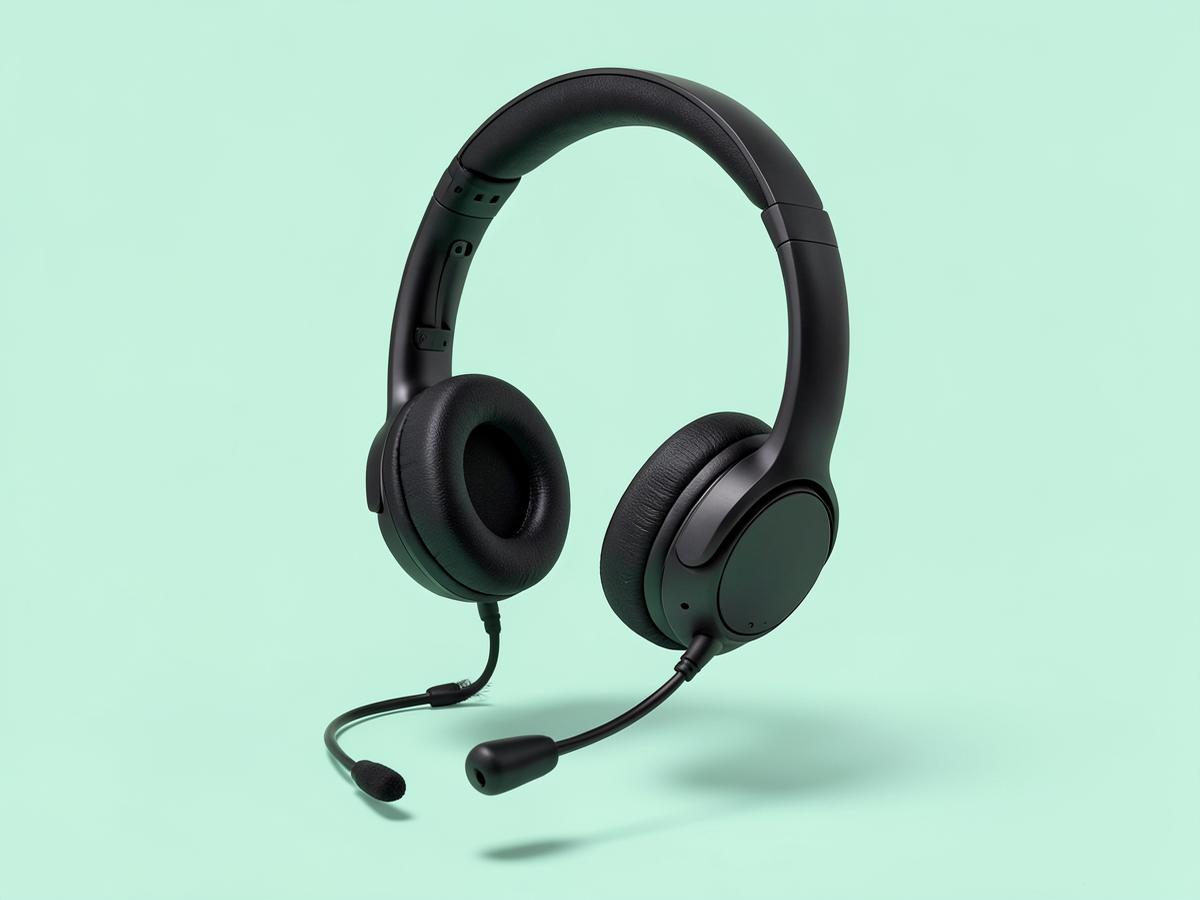
The first purchase because it changes how you sound to everyone who decides things about you. Laptop microphones pick up the room, the fan and your typing. A light headset with a real mic fixes all three, and at 185 grams you can wear it through a full shift. Our full headset guide has the heavier-duty options for six-hour call days.

Category: AudioWhy first: Affects every call you takeWeight: ~185 gFull guide: Best headsets for remote calls

What's good

  • Immediate difference on calls
  • Light enough for a full shift
  • Modest price

What's not

  • Not the best mic in our headset guide
  • No wired fallback
Check price on Amazon
02

Step 2 — the cheap fix

ComfiLife Foot Rest Under Desk

Anyone working from a dining chair or a desk at the wrong height.

ComfiLife Foot Rest Under Desk — The Complete Work-From-Home Starter Setup
Illustration — category example

Raise the chair until your elbows meet the desk, and your feet will usually leave the floor. This costs almost nothing and removes the load that would otherwise sit in your lower back all day. It is the highest return per dollar of anything in The Remote Office.

Category: WellnessWhy second: Fixes the most common setup faultHeight: ~5.5 inFull guide: Mats, footrests and lumbar support

What's good

  • Cheapest meaningful upgrade
  • Works with any chair
  • No setup

What's not

  • Fixed height
  • Uses floor space
Check price on Amazon
03

Step 3 — get the screen up

Rain Design mStand Laptop Stand

Anyone working from a laptop screen more than a couple of hours a day.

Rain Design mStand Laptop Stand — The Complete Work-From-Home Starter Setup
Illustration — category example

A laptop on a desk sits a foot below eye level, and your neck pays for that by mid-afternoon. Lifting the screen is the difference between a headache at 3pm and no headache. Pair it with any external keyboard and mouse — the laptop keyboard becomes unreachable once the screen is at the right height, and that is intended.

Category: TechnologyWhy third: Neck angle is the next thing to breakHeight: ~6 inFull guide: Laptop stands and docks

What's good

  • Fixes neck angle immediately
  • Rock solid
  • Lasts forever

What's not

  • Requires a separate keyboard and mouse
  • Fixed height
Check price on Amazon
04

Step 4 — the second screen

Dell S2422HZ 24-inch Monitor

Any job where two windows have to be open at once.

Dell S2422HZ 24-inch Monitor — The Complete Work-From-Home Starter Setup
Illustration — category example

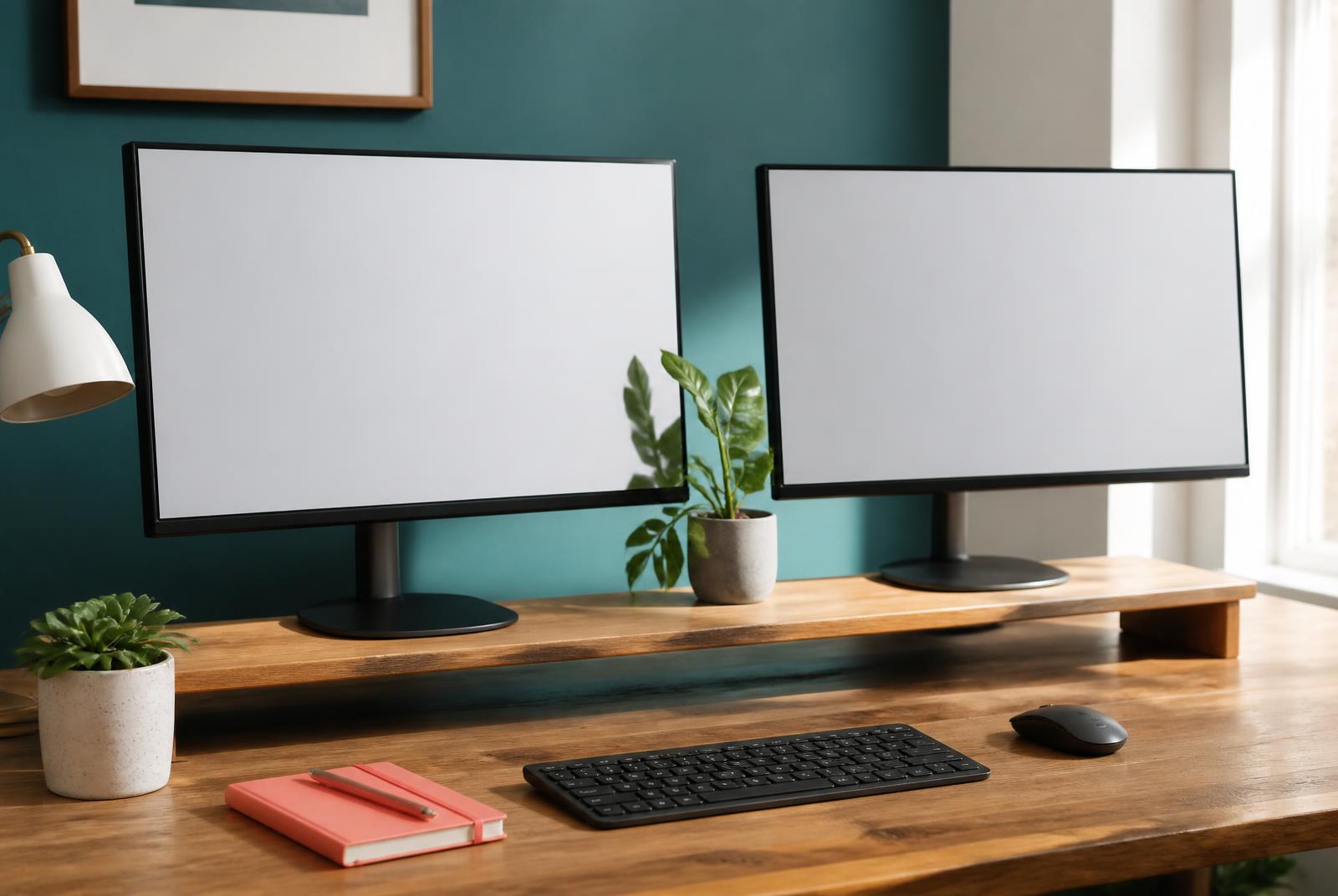
One screen for the system you work in, one for everything else. For chart review, claims, coding or scheduling this is where productivity stops being a slogan and becomes measurable. Twenty-four inches at 1080p is the sensible size for a bedroom desk; our monitor guide covers the larger options if the desk allows.

Category: TechnologyWhy fourth: Two windows is most remote workSize: 24 inFull guide: Monitors for chart review

What's good

  • Ends constant window switching
  • Fits a small desk
  • Built-in webcam and speakers

What's not

  • 1080p, not high resolution
  • Stand is basic
Check price on Amazon
05

Step 5 — buy last, buy once

Branch Ergonomic Chair

Anyone now sitting six or more hours a day for work.

Branch Ergonomic Chair — The Complete Work-From-Home Starter Setup
Illustration — category example

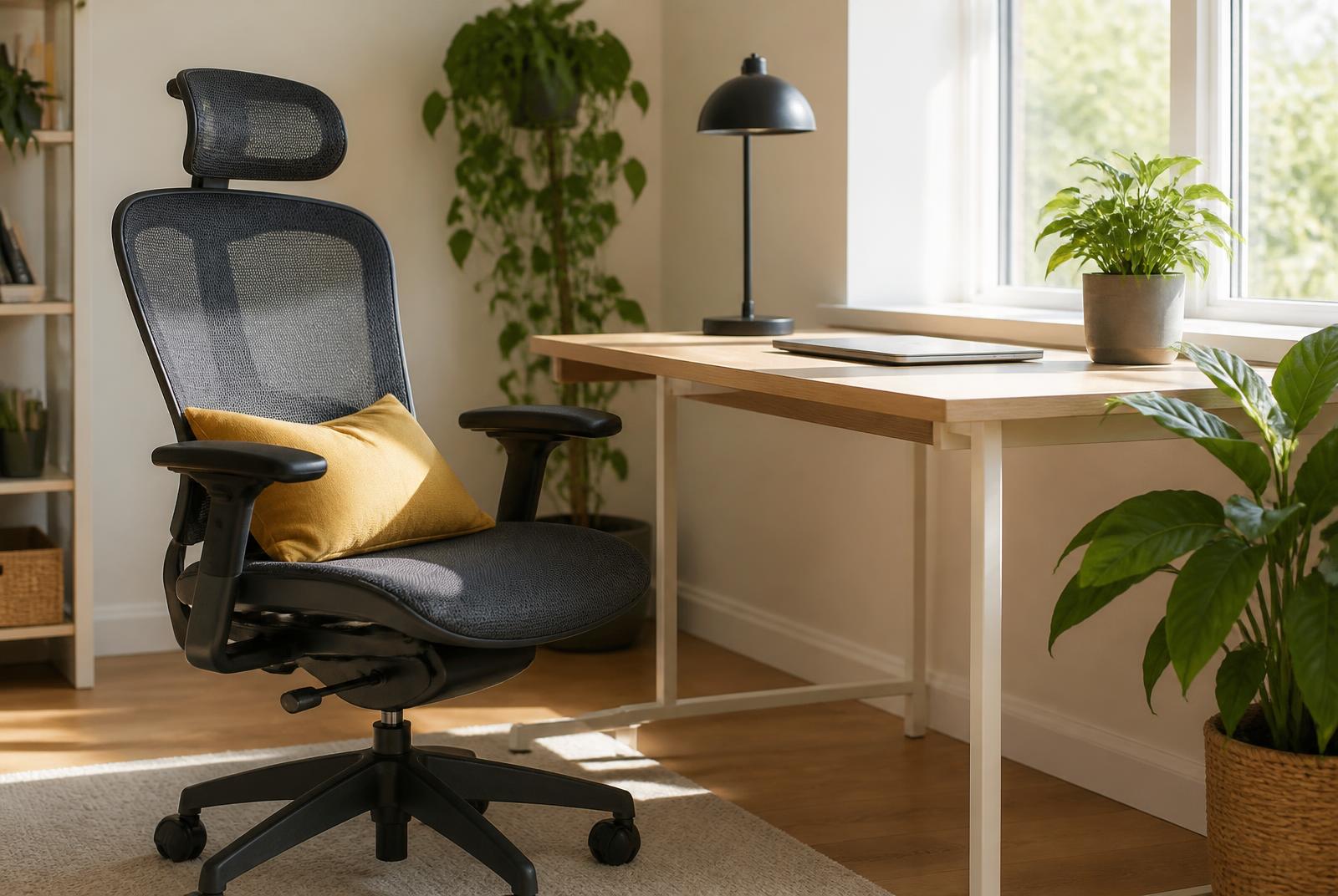
The chair goes last because until you have worked a month you do not know how you sit, how long, or whether you will stand part of the day. Once you do know, buy properly and once — adjustable arms, adjustable lumbar, and a warranty measured in years. Our chair guide covers the cheaper and the more expensive ends of this.

Category: FurnitureWhy last: Buy once you know how you workAdjustment: Arms, lumbar, tiltFull guide: Chairs for long remote shifts

What's good

  • Full adjustment
  • Long warranty
  • Holds up to full-time use

What's not

  • Significant purchase
  • Some assembly
Check price on Amazon

Before you buy

Ask your employer before you spend. A growing number of remote roles include an equipment stipend, a home-office allowance or a hardware catalogue, and plenty of new hires never ask. Even where there is no formal policy, a manager can often approve a headset and a monitor on a team budget.

If you are still looking for the job that pays for all this, that is the other half of what we do — Jobs to Inbox sends remote roles from more than 7,500 employer job boards straight to your inbox every morning.

Keep reading

As an Amazon Associate we earn from qualifying purchases. Product availability and prices on Amazon change frequently and anything shown here may be out of date by the time you click. How we pick our recommendations.