Jobs to Inbox

Jobs to Inbox is a participant in the Amazon Services LLC Associates Program. When you buy through links on this page we may earn a commission, at no extra cost to you. We choose every product ourselves and we are never paid to include one. How we pick.

6

Buying guide

The Chair Buying Guide for 10 and 12-Hour Remote Shifts

What to look for, what to ignore, and the chairs we would spend our own money on for a shift that does not end at five.

By Marcus WhitfieldReviewed September 6, 2026
The Chair Buying Guide for 10 and 12-Hour Remote Shifts

On a tight budget the SIHOO M57 is the only one we would sit in all day. The Steelcase Series 1 is the value pick of the entire category. If your back is already a problem, the Herman Miller Aeron is not a luxury purchase — it is a medical one.

Sitting for a twelve-hour remote shift is a different problem from sitting for a two-hour meeting block, and most chair advice online is written for the second one. The pain shows up in specific places: the lower back around hour six, the backs of the thighs if the seat pan is too long, and the shoulders if the armrests do not come up high enough to carry your forearms while you type.

Three adjustments do almost all the work, and every chair below has them: seat height, seat depth, and armrest height. Lumbar support that moves up and down is the fourth. Everything else — headrests, recline tension dials, mesh grades — is preference. If a chair is missing seat depth adjustment and you are under about 5'4" or over about 6'1", it will not fit you no matter what it costs.

One warning about the used market. Refurbished high-end chairs are genuinely the best value in this whole category, but the cylinder and the foam are the parts that die, and a reseller who does not say they replaced them usually did not. Ask before you buy.

1

Best budget pick

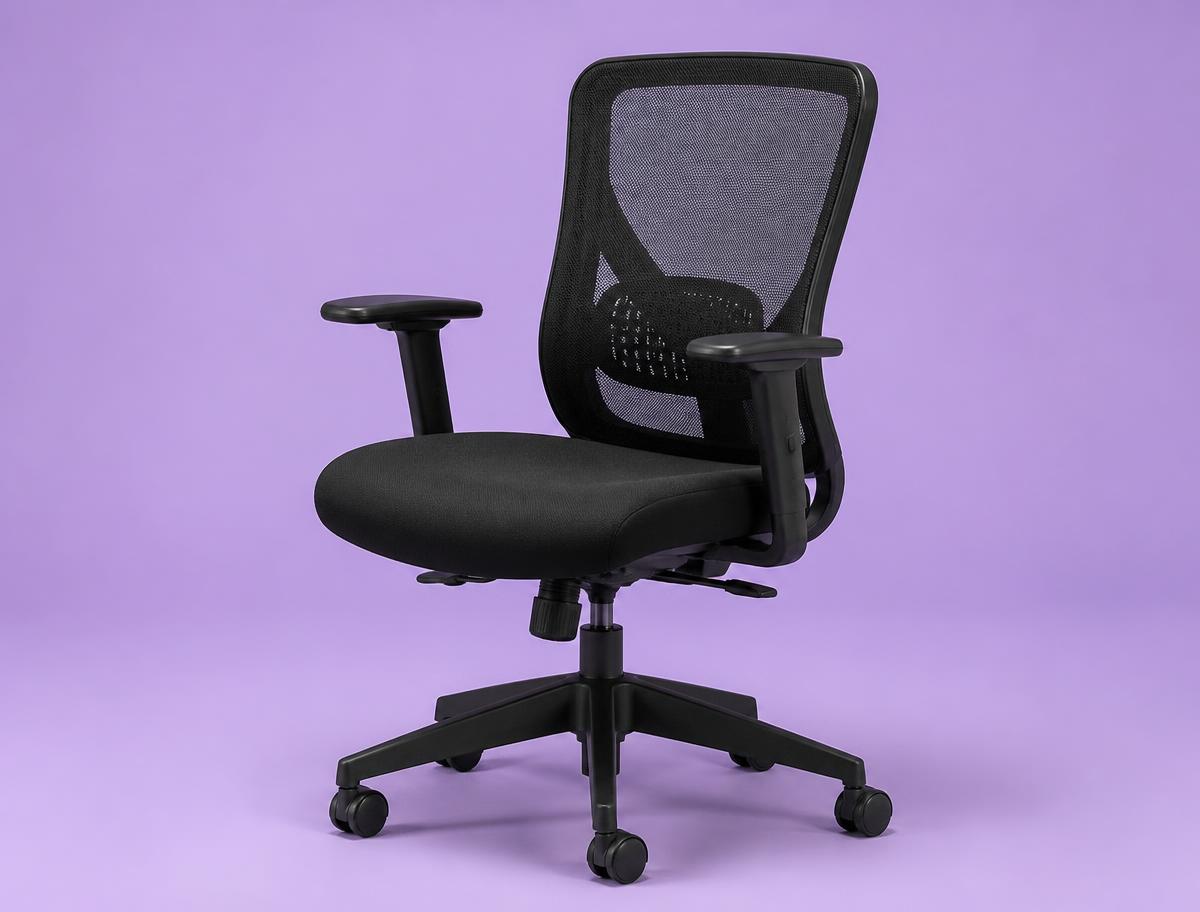
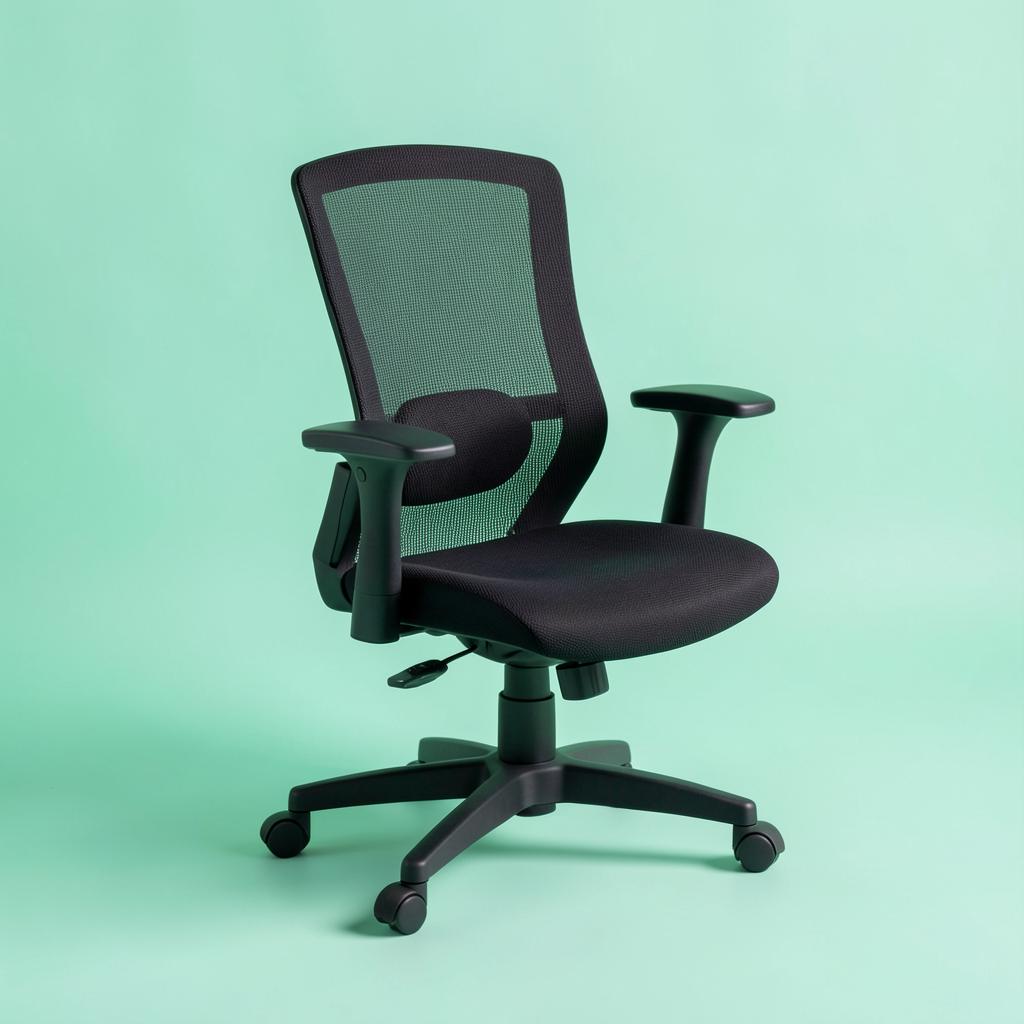
SIHOO M57 Ergonomic Chair

SIHOO M57 Ergonomic Chair
The first real chair after a dining chair or a gaming chair.

This is where the meaningful floor is. The lumbar pad moves up and down and in and out, the armrests adjust in three directions, and the mesh back does not turn into a hotplate by the afternoon. It is rated to 330 pounds, the recline locks in a few positions rather than infinitely, and the seat foam is firmer than most people expect on day one. It breaks in inside two weeks and it holds up.

Lumbar
Adjustable, 2-way
Armrests
3D
Seat depth
Fixed
Weight rating
330 lb

What's good

  • Real adjustments at the price
  • Breathable mesh back
  • Assembles in about 20 minutes

What's not

  • Recline locks in steps, not smoothly
  • No seat depth adjustment
2

Best value

Steelcase Series 1

Steelcase Series 1
Anyone sitting eight or more hours a day who can spend once and stop thinking about it.

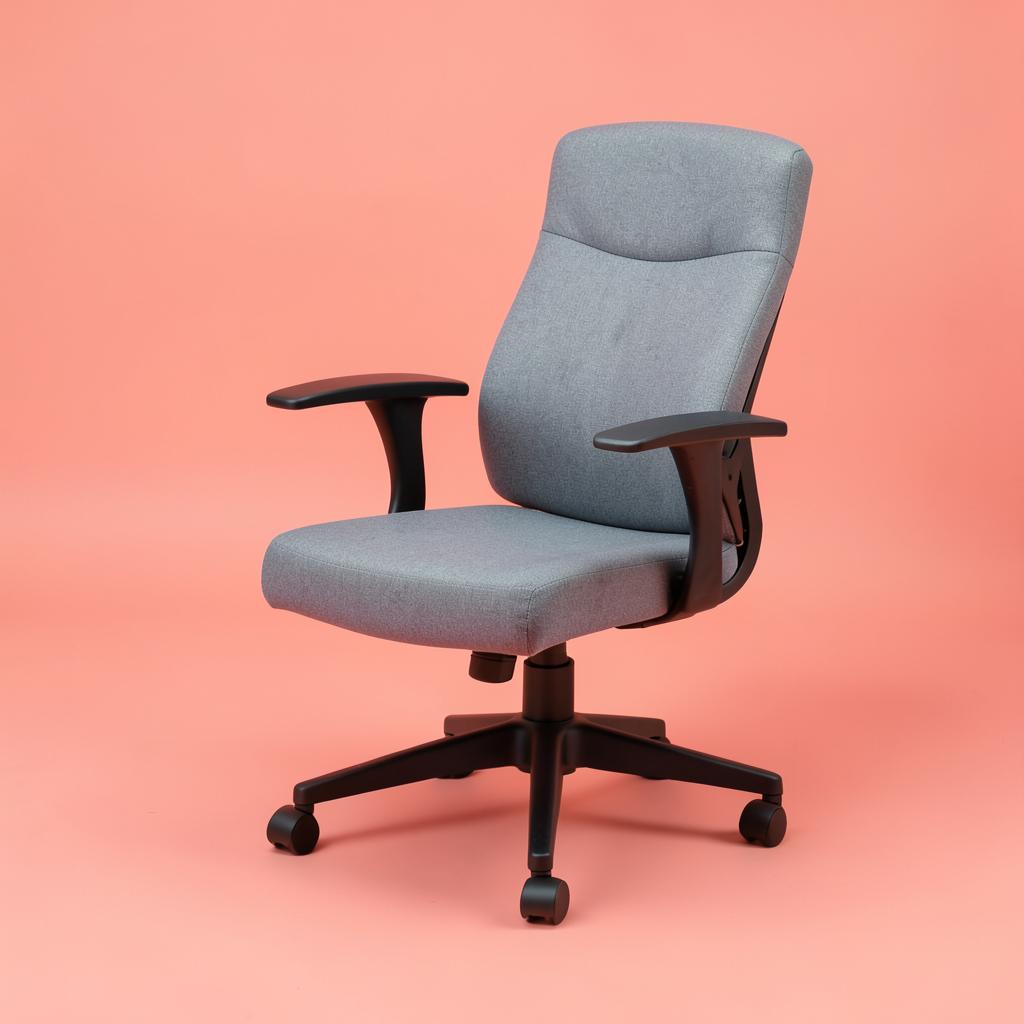
The best chair-per-dollar in this list by a wide margin. The back flexes with you instead of fighting you, the 4D arms get out of the way properly, and the build is contract-grade — this is the chair that ends up in offices because it survives. The only real gap against the Aeron is long-session lumbar precision.

Lumbar
Adjustable
Armrests
4D
Seat depth
Adjustable
Warranty
12 years

What's good

  • Contract-grade build
  • 4D armrests
  • Flexing back
  • 12-year warranty

What's not

  • Seat pan runs shallow for tall users
  • Fabric options add cost
3

Best for back pain

Herman Miller Aeron

Herman Miller Aeron
People who already have a lower back problem and sit through it every day.

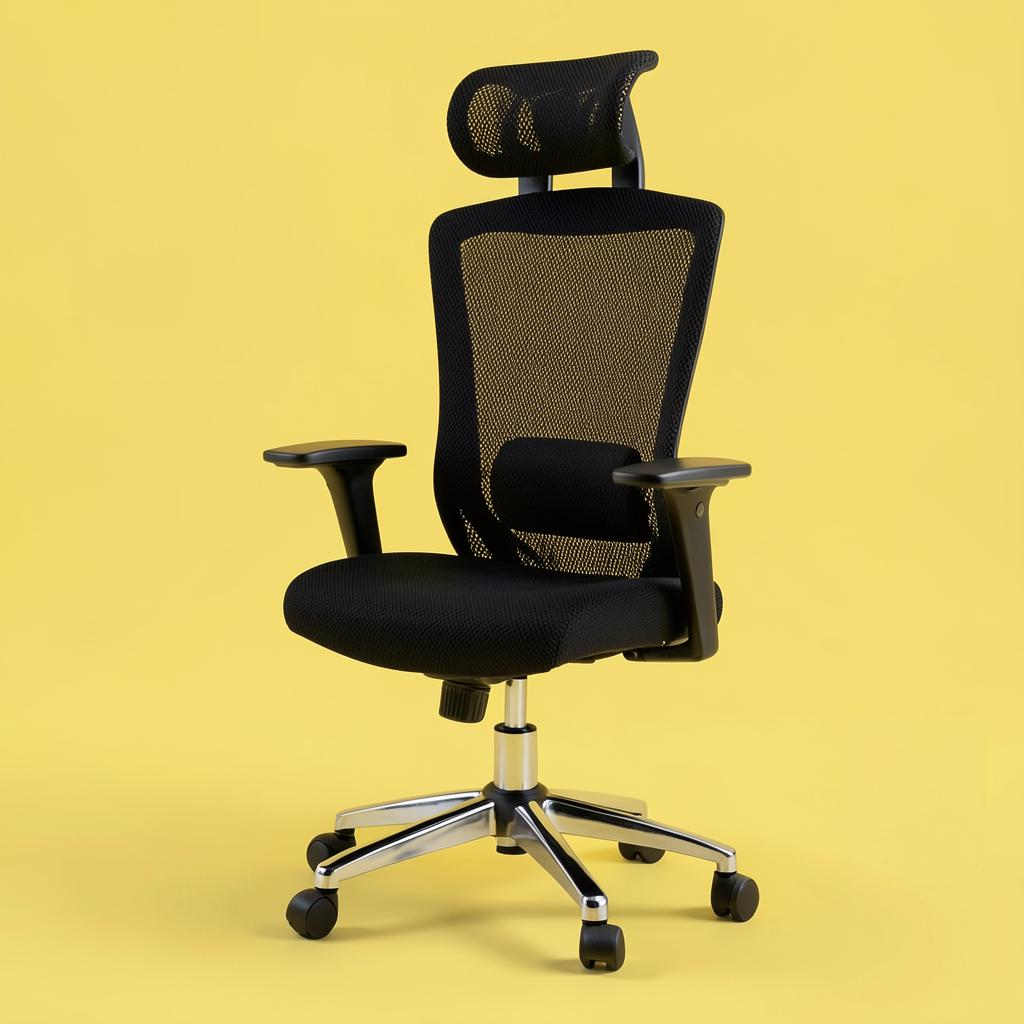
Expensive, and worth it for one specific person: the one whose back already hurts. The PostureFit SL pad supports the sacrum and the lumbar separately, which is the thing cheaper chairs approximate with a single foam bulge. Mesh runs cool, which matters more than people expect on a twelve-hour shift. Get sized properly — A, B and C are real differences, not marketing.

Lumbar
PostureFit SL
Armrests
4D
Seat depth
By frame size
Warranty
12 years

What's good

  • Best lumbar support here
  • Cool mesh
  • 12-year warranty
  • Strong resale

What's not

  • Costly
  • Must buy the right size
  • Mesh seat is not for everyone
4

Best for smaller frames

Humanscale Diffrient Smart

Humanscale Diffrient Smart
Anyone under about 5'4" who slides forward in normal chairs.

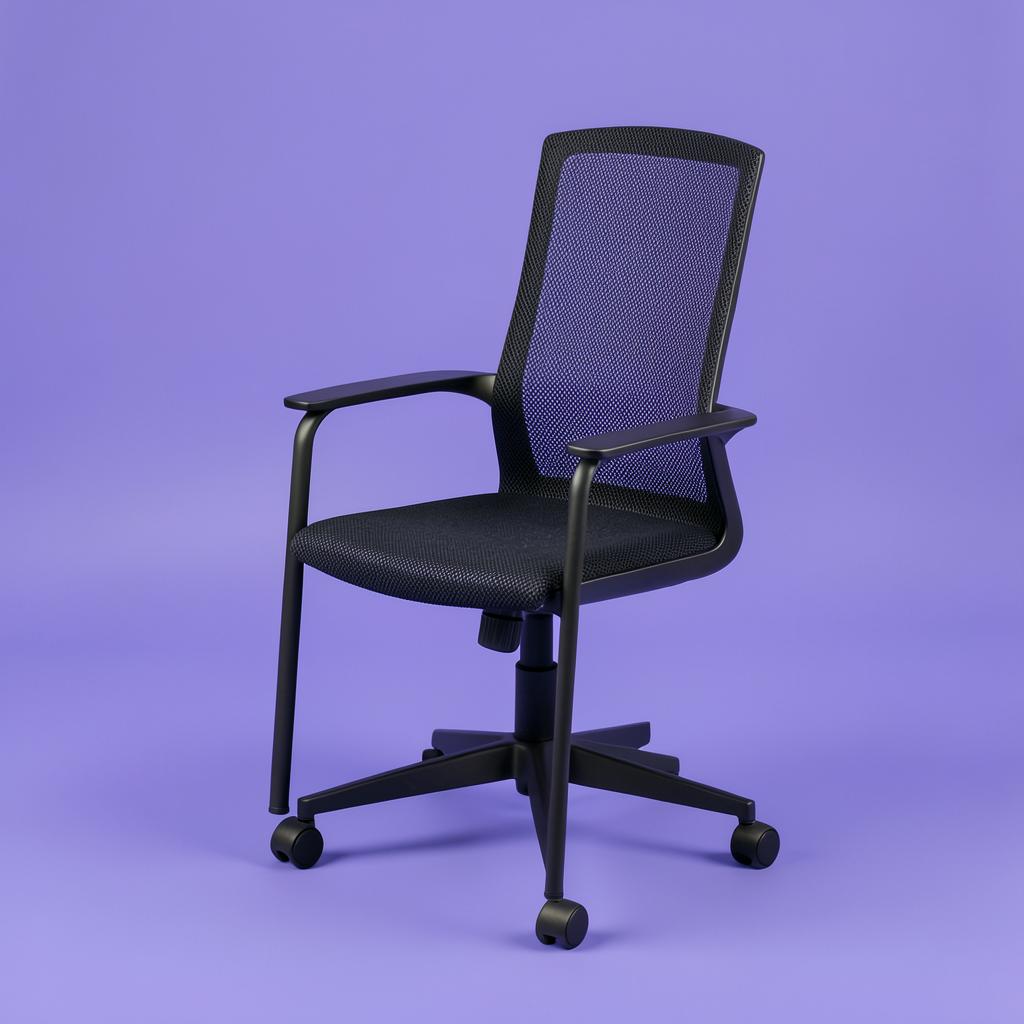
Most ergonomic chairs are built around a 5'10" body and shorter people end up perching on the front edge all day. This one has a shallower seat and a weight-sensitive recline with no tension dial to get wrong. Fewer levers is the point — it fits correctly straight out of the box.

Lumbar
Form-fitting back
Armrests
Height only
Seat depth
Shallow by design
Warranty
15 years

What's good

  • Fits smaller frames
  • Self-adjusting recline
  • Nothing to set wrong

What's not

  • Few manual adjustments
  • Thin seat cushion
5

Best big and tall

Steelcase Leap

Steelcase Leap
Taller or heavier users the standard chairs do not fit.

Wider seat, deeper pan, higher weight rating, and a back that changes shape as you move rather than pivoting at one point. It is the chair we would pick for anyone over about 6'1" or over 250 pounds, where lighter chairs start creaking within a year.

Lumbar
Adjustable, 4-way
Armrests
4D
Seat depth
Adjustable
Warranty
12 years

What's good

  • High weight rating
  • Deep adjustable seat
  • Changes shape as you move

What's not

  • Heavy to move
  • Bulky in a small room
6

Best breathable mesh

HON Ignition 2.0

HON Ignition 2.0
Warm rooms, where a padded seat gets uncomfortable by the afternoon.

A contract-grade mesh chair at a mid-range price. Air moves through the back, the lumbar slides up and down, and the arms adjust in four directions, which is unusual at this level. The seat foam is thinner than the Series 1, so pair it with a cushion if you sit past ten hours.

Lumbar
Adjustable
Armrests
4D
Seat depth
Adjustable
Warranty
Limited lifetime

What's good

  • Breathable mesh back
  • Height-adjustable lumbar
  • 4-way arms
  • Strong warranty

What's not

  • Thin seat foam
  • Assembly takes about 30 minutes

How we picked

  • Seat depth adjustment, because thigh pressure is what ends a long shift
  • Armrests that raise high enough to support forearms at desk height
  • Adjustable lumbar that moves vertically, not a fixed bump
  • A warranty measured in years, not months
  • Cylinder rated for continuous daily use, not occasional use

Why a ten-hour shift breaks ordinary chairs

A chair sold for a home office is designed around an assumption that almost nobody in remote work actually meets: that you sit in it for two or three hours at a stretch, get up often, and use it a few days a week. A full remote shift is a different load entirely. Ten hours, mostly seated, five days a week, with the same posture repeated for months.

Under that load, three things fail in a predictable order. The foam compresses first, usually within four to eight months, and the seat that felt fine in the showroom turns into a board. Then the gas cylinder starts to sink, so you spend the afternoon quietly getting shorter and reaching up to your keyboard. Last, the tilt mechanism loosens and the back stops holding you at all, at which point you start bracing with your own muscles without noticing.

That is why the chairs on this list skew toward mesh seats and steel frames, and why the two cheapest picks here are the ones we are most careful about. It is not snobbery about brands. It is that the failure mode of a cheap chair is not that it breaks; it is that it slowly stops supporting you while you sit in it every day and blame your back.

The other thing a long shift exposes is heat. Sitting still in one place for hours in a padded seat is warm work, and warmth becomes fidgeting, and fidgeting becomes a sore lower back by four in the afternoon. A mesh back, and where possible a mesh or breathable seat, does more for all-day comfort than another inch of foam ever will.

The four adjustments that actually matter

Chair listings advertise a dozen adjustments and most of them are noise. Four decide whether you finish the day comfortable.

Seat height comes first, and it is set by your feet, not your desk. Feet flat on the floor, knees level with your hips or a touch below. If your desk is too high after that, raise the keyboard or your monitor rather than the chair, or add a footrest. Dangling feet put your whole body weight through the back of your thighs, which is the single most common cause of the numb, restless legs people describe by mid-afternoon.

Seat depth comes second and is the adjustment most people have never used. You want two or three fingers of clearance between the front edge of the seat and the back of your knees. Too deep and you slide forward to be comfortable, which throws away the lumbar support entirely. Too shallow and your thighs are unsupported. Chairs with a sliding seat pan solve this; chairs without it fit only people of a certain height.

Lumbar support is third. It should press into the small of your back, not your shoulder blades and not your belt line, and it should be firm enough that you notice it when you lean back. Fixed lumbar shapes work fine for people the designer had in mind and poorly for everyone else, which is why height-adjustable lumbar is worth paying for if you are shorter or taller than average.

Armrests are fourth, and they are the one most people set too low. Raise them until your shoulders drop and your forearms rest level with the desk. If your shoulders are creeping up toward your ears while you type, the armrests are the reason, not the keyboard. Armrests that adjust inward and outward matter more for wide or narrow shoulders than any spec on the box.

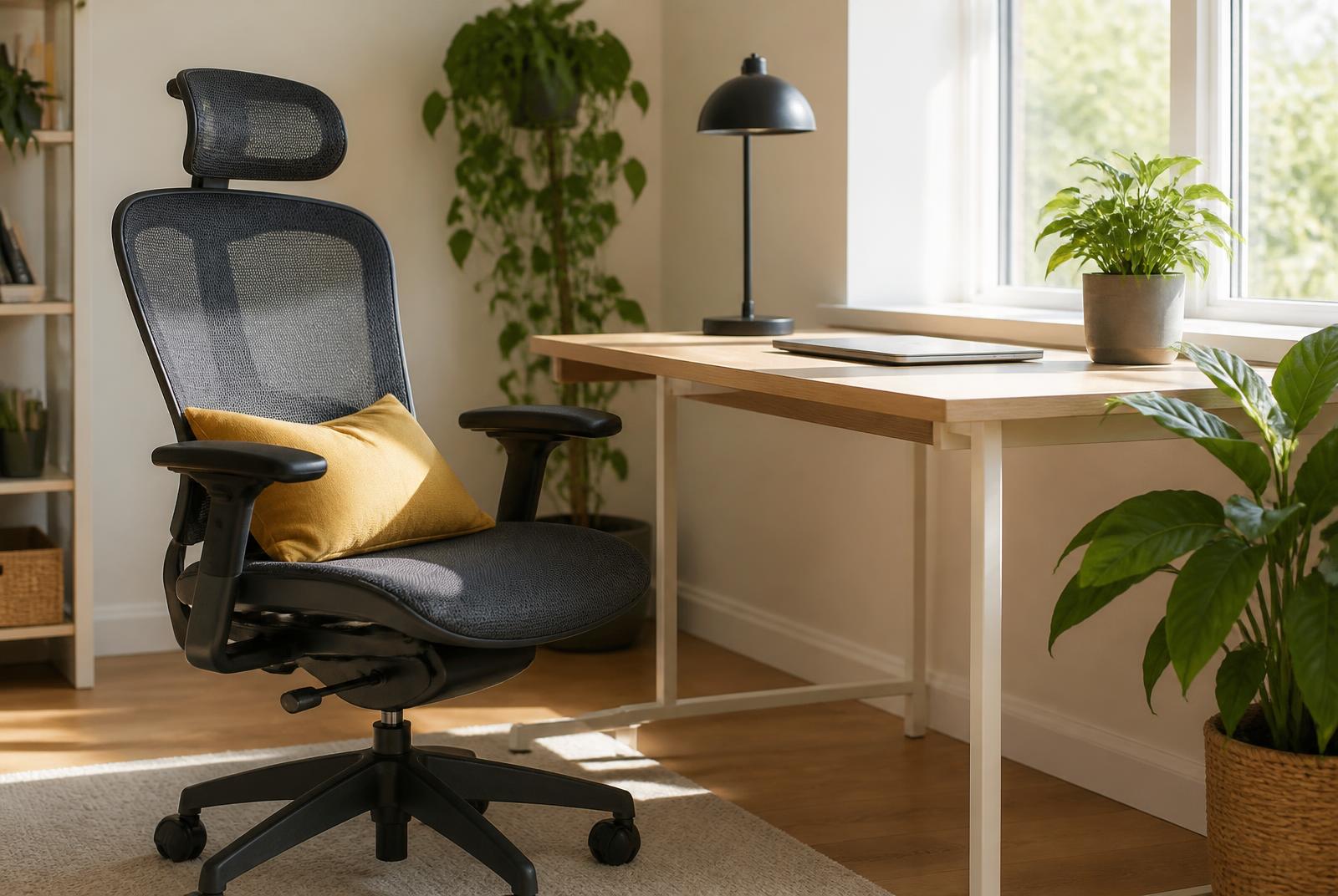
Mesh, foam and what fails first

Mesh backs won the office years ago for good reason: they breathe, they flex to the shape of your back, and they do not compress the way foam does. The trade is that cheap mesh is a completely different product from good mesh. Low-grade mesh stretches out, sags in the middle after a year and can dig a hard edge into your thighs where the seat frame runs. Good mesh keeps its tension for the life of the chair.

Foam seats are more forgiving on day one and less forgiving in month ten. If you buy a foam seat, look for moulded foam rather than cut foam, and treat a twelve-year warranty on the seat as the manufacturer telling you it will survive daily use. A two-year warranty on a chair you sit in fifty hours a week is a warning label.

Casters are the small thing that ruins good chairs. Hard plastic wheels shipped with most chairs are made for carpet, and on hardwood or laminate they scratch and skid. Soft rubber casters cost very little, screw straight in, and are the cheapest upgrade in this entire guide.

Buying used, refurbished and open-box

The best-value chair for a remote worker is frequently a refurbished contract chair rather than a new consumer one. Office liquidations release large numbers of Steelcase, Herman Miller and Humanscale chairs that were built for a fifteen-year service life and have had five. A refurbished Leap or Aeron often lands at the price of a new mid-range chair.

Check three things before you buy used. The gas cylinder should hold height for a full minute with your weight in the chair. The tilt tension knob should have resistance through its whole range instead of spinning freely. And the seat foam or mesh should return to shape when you stand up. Everything else on a contract chair is replaceable, and parts are widely available.

Whatever you buy, keep the box for a week and actually sit in the chair through two full working days before deciding. A chair that feels great for twenty minutes in the evening can be entirely wrong by hour eight, and most return windows are long enough to find that out honestly.

If the budget is not there this month

You can buy most of the benefit of a good chair for well under a hundred dollars if you have to wait. A firm lumbar cushion strapped to the chair you already own fixes the support your current chair lost. A footrest fixes the height mismatch that is probably causing the leg symptoms. A seat cushion with real gel or high-density foam buys back the seat that flattened last spring.

Do those three, then save for the chair. It is not the same as sitting in a Series 1, but it is the difference between finishing the week sore and finishing it wrecked, and it costs less than one month of the payment plan you were considering.

Questions we get

How much should I actually spend on a chair for full-time remote work?

For a full-time shift, skip the cheapest tier entirely — below the mid range you are usually buying foam that will flatten and a warranty that admits it. Refurbished contract chairs are the exception and often beat new chairs at the same outlay.

Is a mesh seat uncomfortable?

Good mesh is not, and it runs far cooler over a long shift. Poor mesh sags and puts a hard frame edge under your thighs. If you are unsure, a mesh back with a padded seat is the safe middle ground.

Do I need a headrest?

Only if you spend real time reclined, which mostly means long phone or video calls. For heads-down keyboard work you rarely touch it, and a badly placed headrest pushes your head forward, which is worse than none.

Will my employer pay for it?

Often, yes, and remote workers routinely do not ask. Many employers have a home-office stipend or an ergonomic equipment process, and a request supported by a note about back or neck symptoms is usually approved. Ask before you buy, since most programs will not reimburse a purchase you already made.

Before you buy

Set the chair up on the day it arrives instead of sitting in it as it came out of the box. Feet flat, knees level with hips or slightly below, two or three fingers of clearance behind the knee, armrests raised until your shoulders drop. A correctly adjusted budget chair beats a badly adjusted premium one, and most people never touch the levers after assembly.

If none of these fit the budget this month, the highest-value thing you can buy is not a chair at all — it is a footrest and a lumbar cushion for the chair you already own, which together cost less than a tank of gas and fix the two worst symptoms. Then save for the Series 1.

Keep reading

As an Amazon Associate we earn from qualifying purchases. Product availability and prices on Amazon change frequently and anything shown here may be out of date by the time you click. How we pick our recommendations.