Jobs to Inbox

Jobs to Inbox is a participant in the Amazon Services LLC Associates Program. When you buy through links on this page we may earn a commission, at no extra cost to you. We choose every product ourselves and we are never paid to include one. How we pick.

Setup build

The Interview Setup Build: Six Parts, In The Order To Buy Them

A riser, one light and the right camera, assembled step by step into a setup that turns a dim bedroom call into an interview you win.

By Sandra Colvin · Reviewed September 10, 2026

The short version

Do step one and step two before you buy any camera. A riser and the Logitech Litra Glow fix what is actually wrong with most people's video. If you want a camera too, the NexiGo N60 is the honest budget answer and the Logitech C920x is the one most people should own.

This is a build, not a shopping list. The parts go in a specific order, each one fixes a specific problem, and you can stop at any step and still be better off than you were. That matters, because the single most common mistake in home video is buying the expensive part first and getting almost nothing back for it.

Here is the order, and it surprises people: height, then light, then camera. A laptop camera sits below chin level and shoots upward, which is unflattering on everybody and reads as unprepared before you have said a word. Raising the laptop so the lens sits at eye level costs almost nothing and does more for how you come across than any camera on this page.

Light is second because a camera can only work with the light in the room, and most rooms where people take interview calls are lit from above and behind by a single ceiling fixture. That is the worst possible arrangement for a face. One small panel beside the monitor, aimed at you rather than at the wall, is the fix — and it is the reason a cheap camera in a well-lit room beats an expensive camera in a dark one, every time.

The camera comes third, and only then does the choice matter. Below, each step includes what it solves, what we would buy, and how far you can stretch if the budget allows. Every part here is affordable — the full build lands in the range of a normal month's discretionary spending rather than a serious investment, and the first two steps together cost less than dinner out.

What the camera cannot fix

Three things ruin video that no purchase corrects. A window behind you turns your face into a silhouette, because the camera exposes for the brightest thing it can see. A doorway or hallway in frame means movement behind you, and movement pulls the eye off you mid-sentence. And a ceiling light directly overhead puts shadows under your eyes and nose in a way that reads as tired no matter how you feel.

All three are fixed by turning your desk, not by spending money. Sideways to a window is the single best position in almost any room. A plain wall behind you is worth more than a 4K sensor, and if the only plain wall faces the wrong way, a folding screen or even a closed door solves it.

The last free upgrade is distance. Sitting too close makes a wide-angle webcam distort your face and fills the frame with forehead. Sit back until your head and shoulders fill the frame with a small gap above your hair. That framing is what news studios use, and it is what people unconsciously read as professional.

Sound matters more than picture in an interview

Interviewers forgive a soft picture and do not forgive audio they have to strain through. If you only fix one thing beyond the light, fix the room echo — a bare bedroom with a hard floor produces a hollow sound that makes every sentence harder to follow. A rug, a curtain and a made bed do more for audio than most microphones.

The built-in microphones on the C920 and the Anker are genuinely fine for interviews. If you are already using a headset for work calls, use it here too: the microphone sits close to your mouth, which beats a distant camera microphone in any room with a fan, a heat pump or a street outside.

Do not overlap two microphones. Plugging in a headset while the webcam microphone is also active makes some conferencing apps switch between them mid-call. Pick one in the app's audio settings before the call starts and check the level while you are there.

Test it the way an interviewer will see it

Record thirty seconds in the same seat, at the same time of day, in the clothes you plan to wear. Then watch it back with the sound off. Everything wrong is obvious in the silent version: the lamp behind your head, the top of your head cut off, the shirt that vibrates on camera, the pile of laundry in the corner of the frame.

Then watch it again with the picture off and only the sound. Echo, keyboard clatter, a fan and the neighbour's dog all become impossible to ignore. Between those two passes you will find every problem that a real interviewer would notice and be too polite to mention.

Do the test again on the actual conferencing platform, because each one compresses video differently and some of them cap the resolution below what your camera can send. A picture that looks sharp in the camera's own preview can arrive noticeably softer at the other end, and it is better to learn that in a test call than in a final round.

Doing it for nothing

If money is tight this week and the interview is tomorrow, here is the free version of this build. Stack the laptop on books until the camera is at eye level. Turn the desk so a window is to your side, and if it is dark outside, put a lamp with a white shade in front of you, slightly to one side and above eye level, and turn off the ceiling light. Clear the frame behind you and close the door.

That costs nothing and gets you most of the way to what the paid version delivers. Everything on this page is an improvement on top of it, not a replacement for it — which is why the order matters so much. People who buy the camera first and skip the free part usually report that their new webcam looks the same as the old one, and they are right, because the room never changed.

Build it in order

01

Step one: get the lens to eye level

Amazon Basics Adjustable Laptop Stand

Anyone still taking calls on a laptop sitting flat on a desk.
Amazon Basics Adjustable Laptop Stand

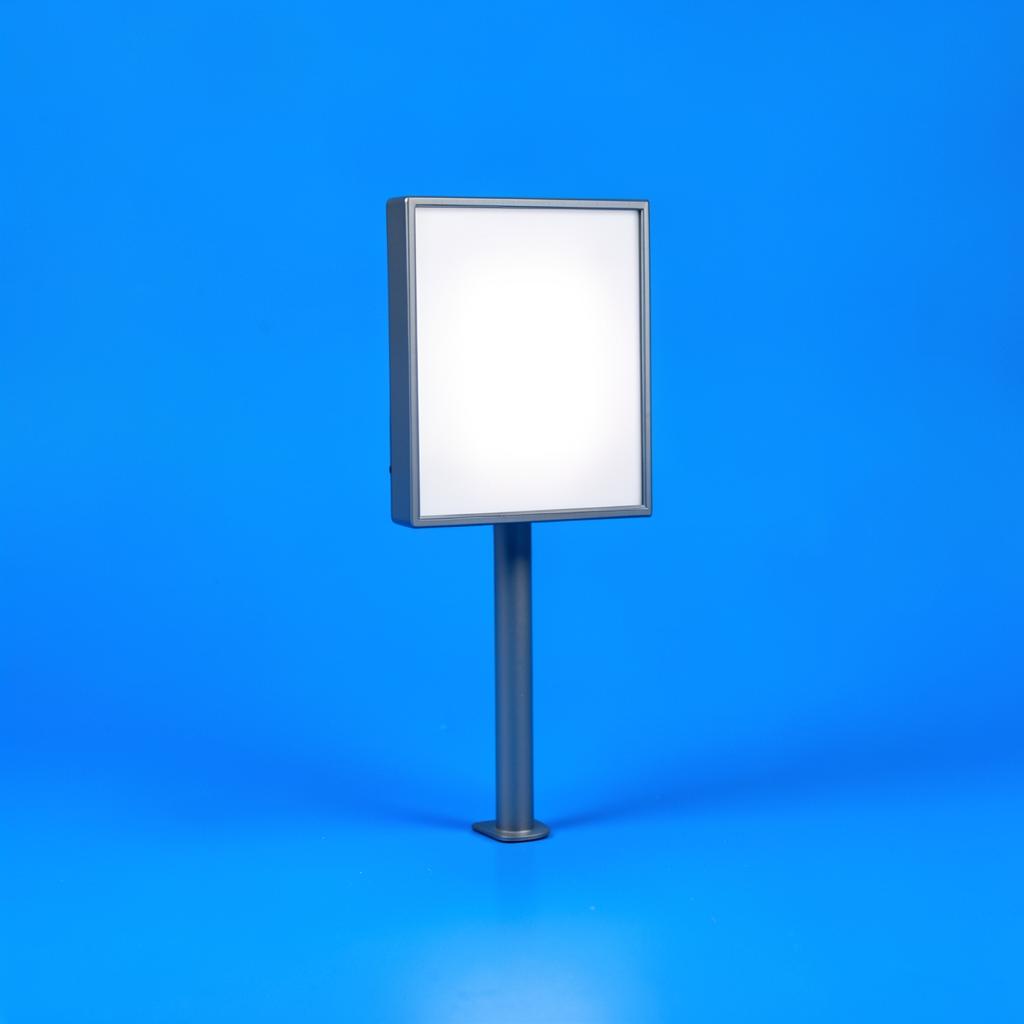
The cheapest part of the build and the one that changes the most. Lifting the laptop until the camera sits level with your eyes removes the up-the-nose angle instantly, straightens your neck, and makes you look like someone who has done this before. A stack of books does the same job for free, but a stand holds the angle steadily, folds flat when the room has to become a bedroom again, and does not slide when you type. Pair it with any cheap external keyboard so your hands still have somewhere sensible to go.

Type
Folding riser
Fits
Most 11–17 in laptops
Adjust
Multiple heights
Setup
None

What's good

  • Fixes the worst problem in home video for very little money
  • Folds flat and travels
  • Improves neck posture as well as the camera angle

What's not

  • You need a separate keyboard once the laptop is raised
  • Aluminium can be cold under the wrists in winter
02

Step two: put light on your face

Logitech Litra Glow

Anyone whose video looks gray, flat or grainy on every call.

Logitech Litra Glow

A small panel that clips to the top of a monitor and lights your face evenly instead of blasting it. The diffuser is the part that matters: it softens the light so you look lit rather than interrogated, and there is none of the hard ring reflection you get in glasses with a ring light. Warmth and brightness adjust with buttons on the unit, so you are not hunting for an app two minutes before a call. If your room has one ceiling light and a window behind you, this single purchase will do more than a new camera.

Type
Diffused LED panel
Control
On-device buttons
Power
USB
Mount
Monitor clip

What's good

  • Soft, even light that flatters skin tone
  • Clips straight to a monitor, no stand needed
  • Buttons on the device, no app required

What's not

  • Takes a USB port
  • Cable runs across the monitor unless you tidy it
03

Step three, budget: the honest cheap camera

NexiGo N60 1080p Webcam

An occasional upgrade over a laptop camera without much spend.

NexiGo N60 1080p Webcam

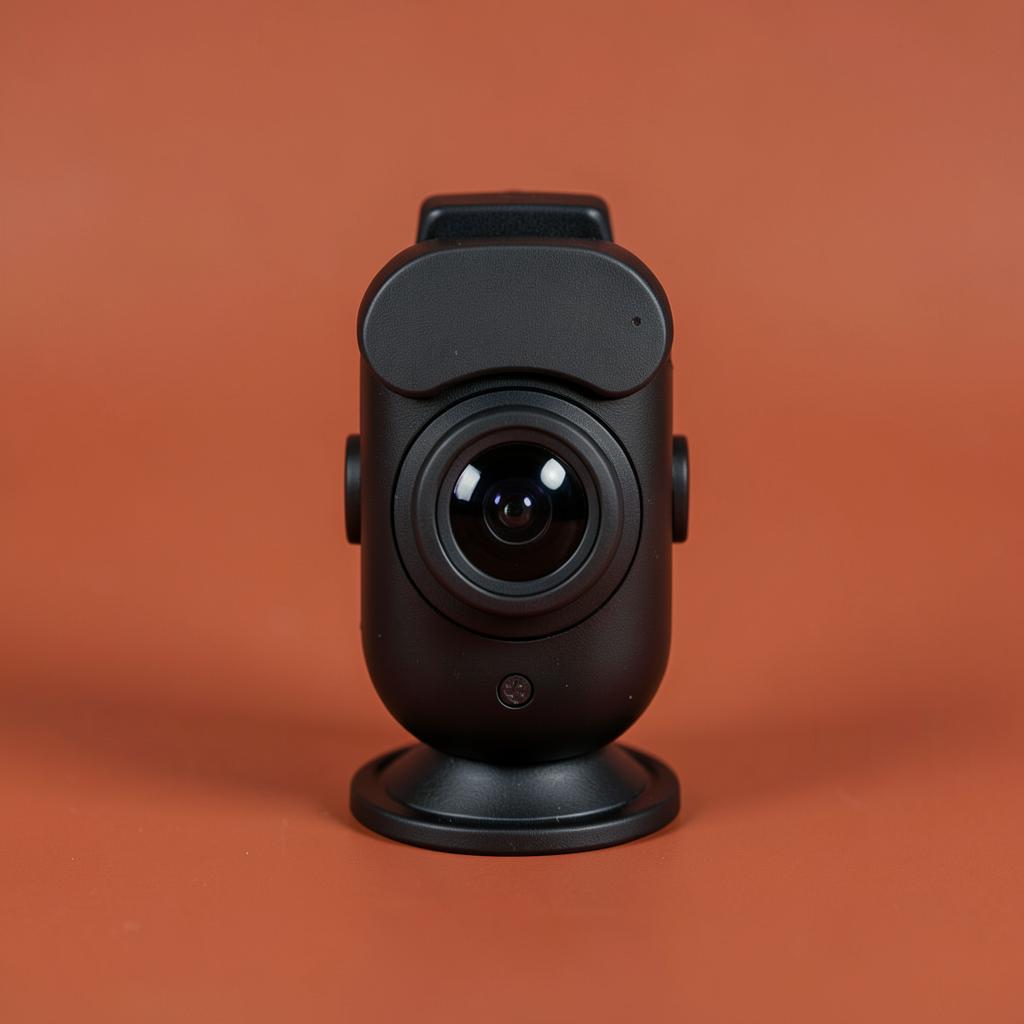
1080p with a built-in microphone and a sliding privacy cover, for less than the cost of a takeaway for two. It needs the light from step two to look good, which is the whole argument for buying in this order — in a dark room it produces exactly the grainy picture you were trying to escape, and in a lit room it looks perfectly professional. Plugs in and works with no software, which matters on a work laptop you are not allowed to install anything on.

Resolution
1080p / 30fps
Mic
Built in
Cover
Sliding
Connection
USB-A

What's good

  • Costs very little
  • Physical privacy cover included
  • Works with no drivers or software

What's not

  • Needs decent light to look good
  • Microphone is usable, not good
04

Step three, better: the camera most people should own

Logitech C920x HD Pro Webcam

Regular interviews, client calls, or on-camera team meetings.

Logitech C920x HD Pro Webcam

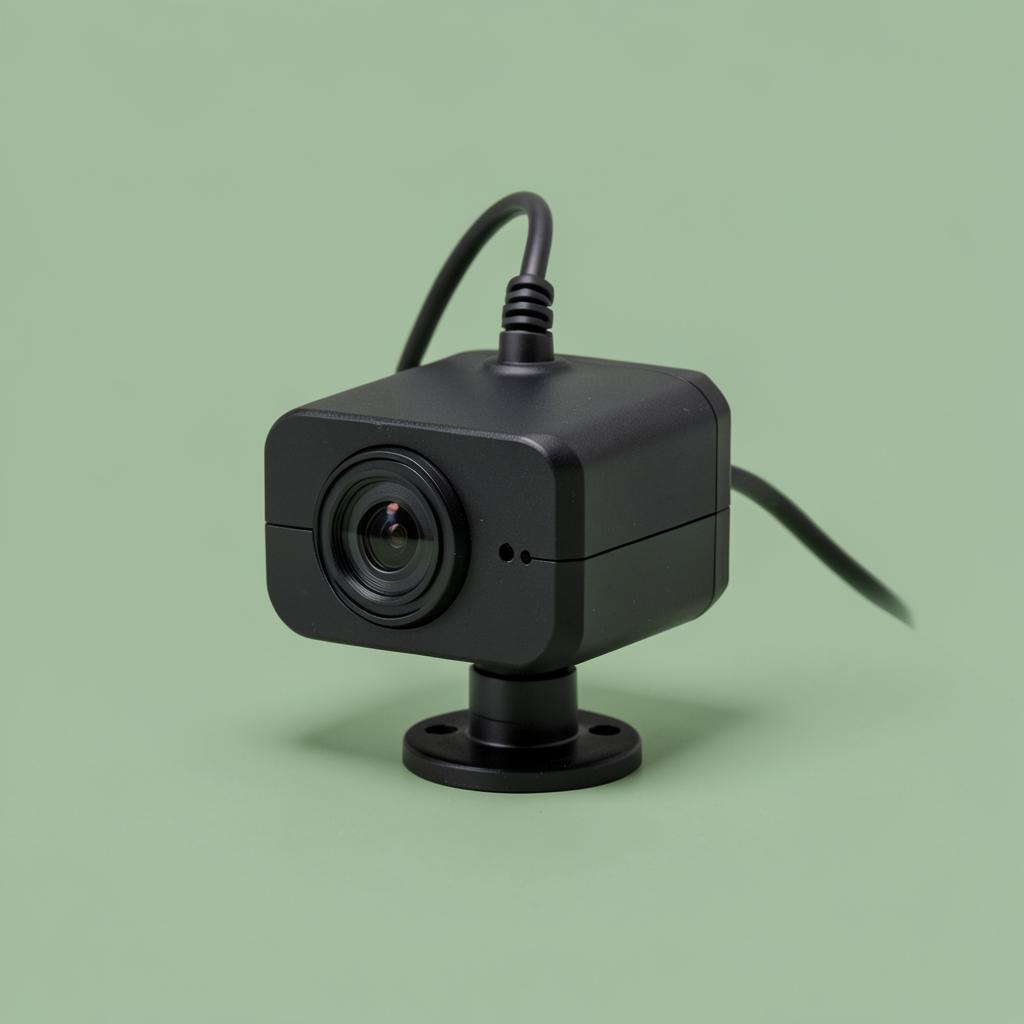
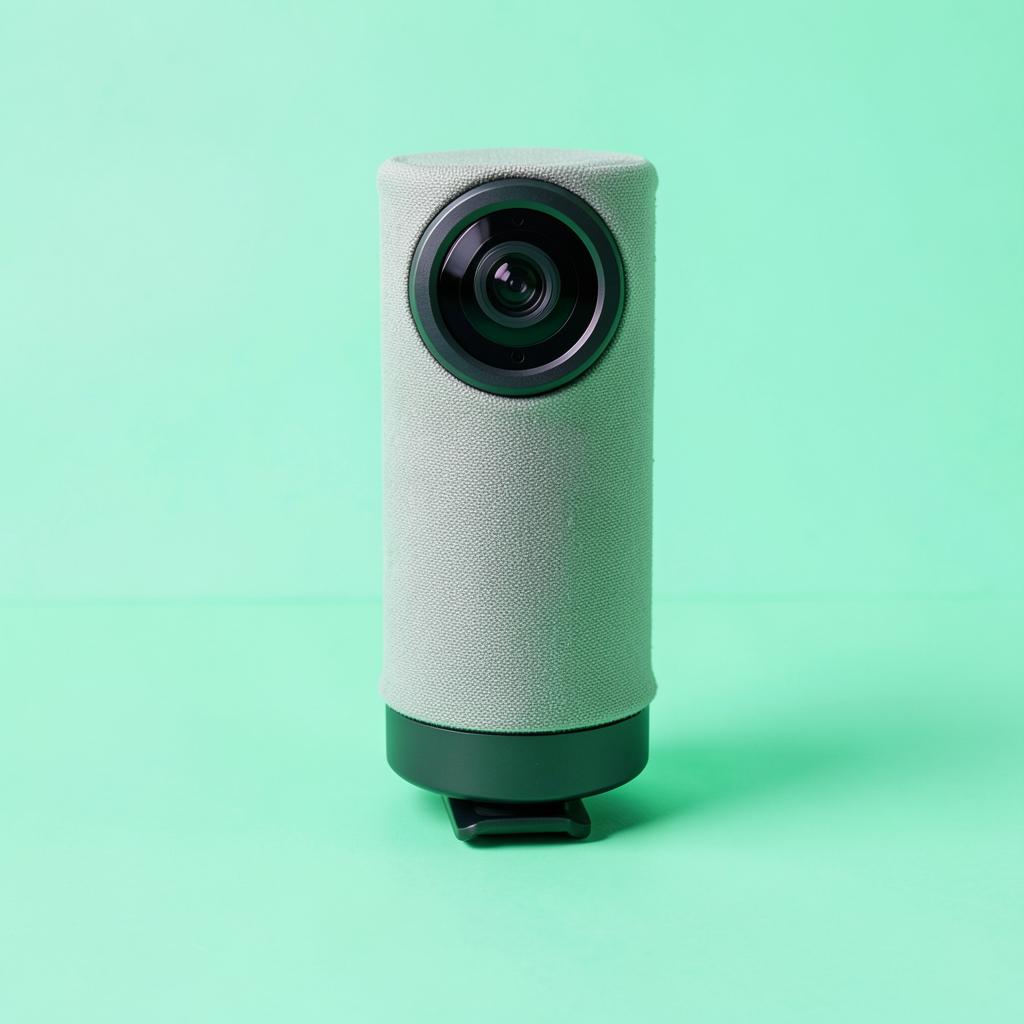
The C920 family has been the sensible answer for a decade and it still is. Colour is accurate rather than oversaturated, the automatic light correction rescues a room that is dimmer than you thought, and the stereo microphones are good enough that you do not need a separate mic for an interview. It clips to a monitor without blocking the screen and works on any machine without installing anything. If you buy one camera in your life, this is a fair candidate.

Resolution
1080p / 30fps
Field of view
78°
Mic
Dual stereo
Connection
USB-A

What's good

  • Accurate colour and reliable exposure
  • Microphones good enough to skip a separate one
  • No software needed, works everywhere

What's not

  • 1080p only
  • No physical shutter in the box
05

Step four: cleaner sound and a wider frame

Anker PowerConf C200 2K Webcam

People whose room is dim and whose calls are long.

Anker PowerConf C200 2K Webcam

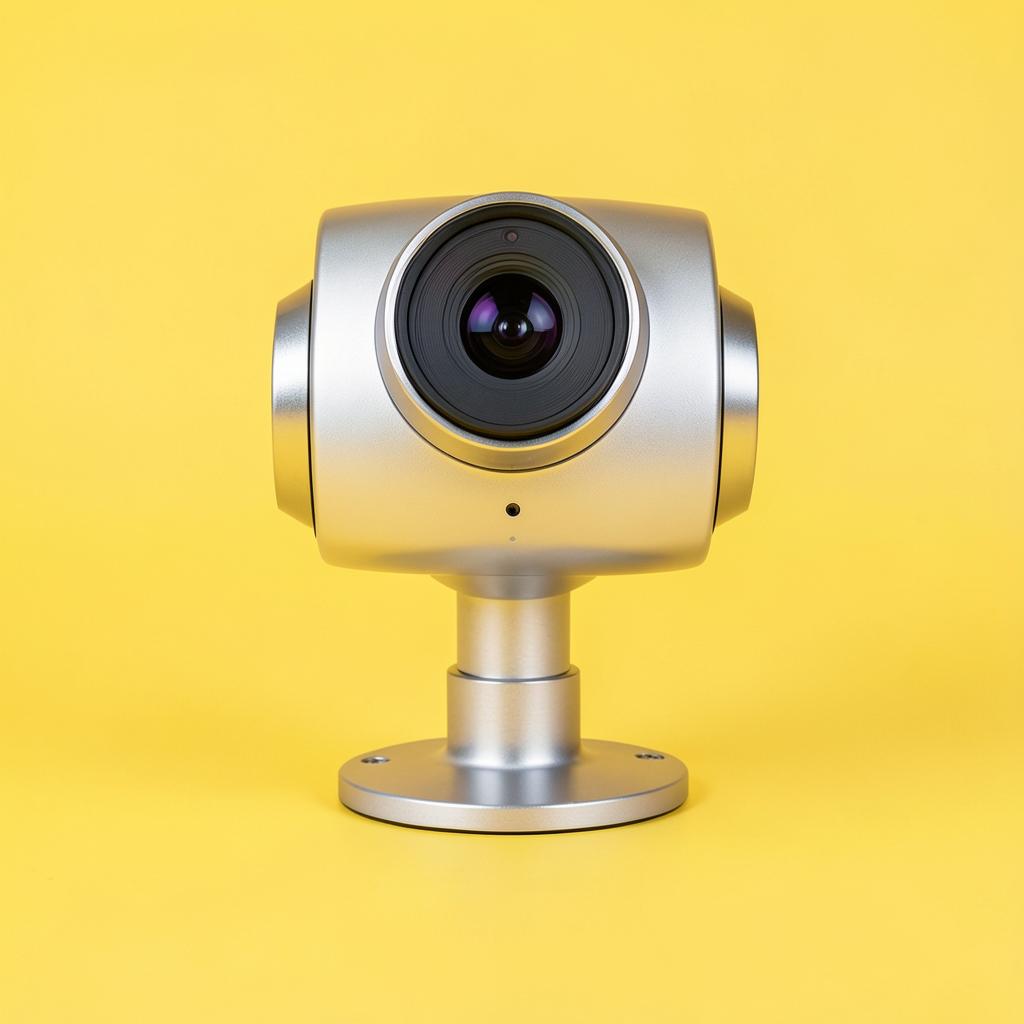
A 2K sensor with low-light correction and, more usefully, adjustable field of view — you can narrow the frame to crop out the bed behind you without moving the furniture. The noise-reducing microphones handle a fan or a distant television better than the C920's do. It needs a USB-C port or an adapter, and it is fussier about being centred than the Logitech, but for a small room with an unhelpful background it is the smarter buy.

Resolution
2K / 30fps
Field of view
65 / 78 / 95°
Cover
Privacy cover
Connection
USB-C

What's good

  • Adjustable field of view crops out the room
  • Good low-light handling
  • Noise-reducing microphones

What's not

  • USB-C, so older laptops need an adapter
  • Plastic mount feels light
06

Step five, optional: the light upgrade

Elgato Key Light Neo

Anyone on camera daily, or working in a room with no daylight.

Elgato Key Light Neo

A bigger, brighter panel than the Litra with a wider colour temperature range, which matters if you take calls at seven in the morning and again at nine at night and want to match the room both times. It comes with a monitor mount rather than a clamp you buy separately, and the on-device controls mean you are not opening an app under pressure. This is a genuine upgrade rather than a different flavour, but only buy it after steps one and two are done — it will not fix a camera pointed up at your ceiling.

Type
LED panel
Colour temp
Wide range
Mount
Monitor mount included
Power
USB-C

What's good

  • Brighter and wider colour range than the clip-on lights
  • Mount included
  • Controls on the unit

What's not

  • Costs more than the camera most people should buy
  • Larger on the monitor
The finished kit

How we picked

  • Light quality judged on skin tone, not on brightness numbers
  • Cameras tested in a normally lit bedroom, not in a studio
  • Mounting that works on a monitor or laptop without blocking the screen
  • A physical privacy cover, because a software toggle is not the same thing
  • Nothing that needs a driver install on a locked-down work laptop
  • Everything on the list is affordable enough to buy for one interview

Questions we get

Do I need 4K for interviews?

No. Most conferencing platforms send far less than 4K anyway, so the extra resolution is thrown away in transit. Spend the difference on light, where it shows up on every call.

Is a ring light a bad idea?

Not bad, but usually worse than a panel for this job. The ring reflects as a visible circle in glasses and produces a slightly odd flat look on a face at close range. A diffused rectangular panel to one side is more natural.

Where exactly should the light go?

Slightly above eye level and off to one side, about arm's length away, angled down at your face. Directly in front and level with your eyes flattens everything out; below eye level lights you from underneath, which nobody wants.

Will these work on a locked-down work laptop?

The riser and the light are not computer accessories in any meaningful sense, so yes. The NexiGo and the C920x work as plain USB cameras with no install. The Anker is fine too, though its extra settings need its app, which some work machines will block.

What if I have no desk space for any of this?

Then do step one only. Raising the laptop costs the least, needs no space of its own, and is the single change interviewers are most likely to notice. Add the light later when there is room for it.

Before you buy

The order of return on money here is height, then light, then camera, and most people do it exactly backwards. They buy a webcam, look the same as before because the room is still dark and the angle is still wrong, and conclude that they simply do not photograph well. It is almost never that.

Do a recorded dry run before anything that matters. Thirty seconds, watched back once without sound and once without picture, will tell you more than any review page — including this one. Then close the laptop and go and prepare for the actual interview, because a good setup is worth about ten seconds of the first impression, and what you say is worth the rest.

Keep reading

As an Amazon Associate we earn from qualifying purchases. Product availability and prices on Amazon change frequently and anything shown here may be out of date by the time you click. How we pick our recommendations.