Jobs to Inbox is a participant in the Amazon Services LLC Associates Program. When you buy through links on this page we may earn a commission, at no extra cost to you. We choose every product ourselves and we are never paid to include one. How we pick.
How to
How To Stand Up At Work Without Replacing Your Desk
Six steps from a seated desk to a working sit-stand setup, in a bedroom corner, without buying furniture or asking a landlord for anything.
By Joanna Pike · Reviewed September 10, 2026
Start here
Measure the desk depth before anything else. Most bedroom desks are shallower than people think, and a 32-inch gas-spring converter like the Mount-It! or the VIVO DESK-V000S is the size that fits and lifts smoothly. If your desk is deep enough, a 36-inch model gives you room for a mouse without hanging off the edge.
A standing desk converter is the box that sits on the desk you already own and lifts your screen and keyboard to standing height. It exists because the alternative — a full electric standing desk — costs several times as much, weighs enough to need two people, and cannot go in a rented bedroom where the desk is a table borrowed from somewhere else.
It is also the part of the home-office market with the widest gap between good and bad. A bad converter wobbles when you type, needs two hands and a shove to raise, and leaves you standing at the wrong height, which is worse for your back than sitting was. A good one moves with one hand in two seconds and stays where you put it.
This guide is written as a sequence, because the order genuinely matters. Measure first, then work out your standing height, then pick a size, then pick a lift mechanism, then sort out the screen height separately from the keyboard height, and only then buy something. People who go straight to the shopping step almost always buy one that is too small for their keyboard or too heavy for their desk.
Everything recommended here is at the affordable end, because a converter should not cost as much as the desk it sits on. Follow the six steps below and the last one — which product — becomes almost obvious.
01
Measure the desk before you look at anything
Two numbers decide almost everything. The first is desk depth, front edge to wall, and it is where most people go wrong — a bedroom desk is often only 20 to 24 inches deep, while a converter footprint is commonly 22 to 24 inches. Get this wrong and the unit hangs over the front edge, which is both unstable and unusable.
The second is desk width. A 32-inch converter needs about 34 inches of clear space to sit comfortably, and a 36-inch model needs closer to 40. Measure between whatever is actually there — a lamp, a filing tray, a wall on one side — rather than the nominal width of the tabletop.
Then check what the desk is made of. A solid wood or steel-framed desk will take a 40-pound converter plus two monitors without complaint. A lightweight particleboard table from a flat-pack range may visibly bow under the same load, in which case take the ultra-slim single-surface option instead of the heavy two-tier one.
02
Work out your actual standing height
Stand up straight, relax your shoulders, and bend your elbows to ninety degrees. Have somebody measure from the floor to the underside of your forearm, or do it against a wall with a pencil mark. That number is where your keyboard needs to be, and it is the specification that decides whether a converter suits you — not the maximum height printed on the box, which is the top surface rather than the keyboard tray.
Now add the desk height itself. A converter's range is measured from the surface it sits on, so a desk at 29 inches plus a converter with a 20-inch range gets your keyboard as high as 49 inches. If your elbow height is 44 inches, you have plenty of room. If you are tall and your elbow height is 48 inches on a low desk, look specifically for a tall-range model.
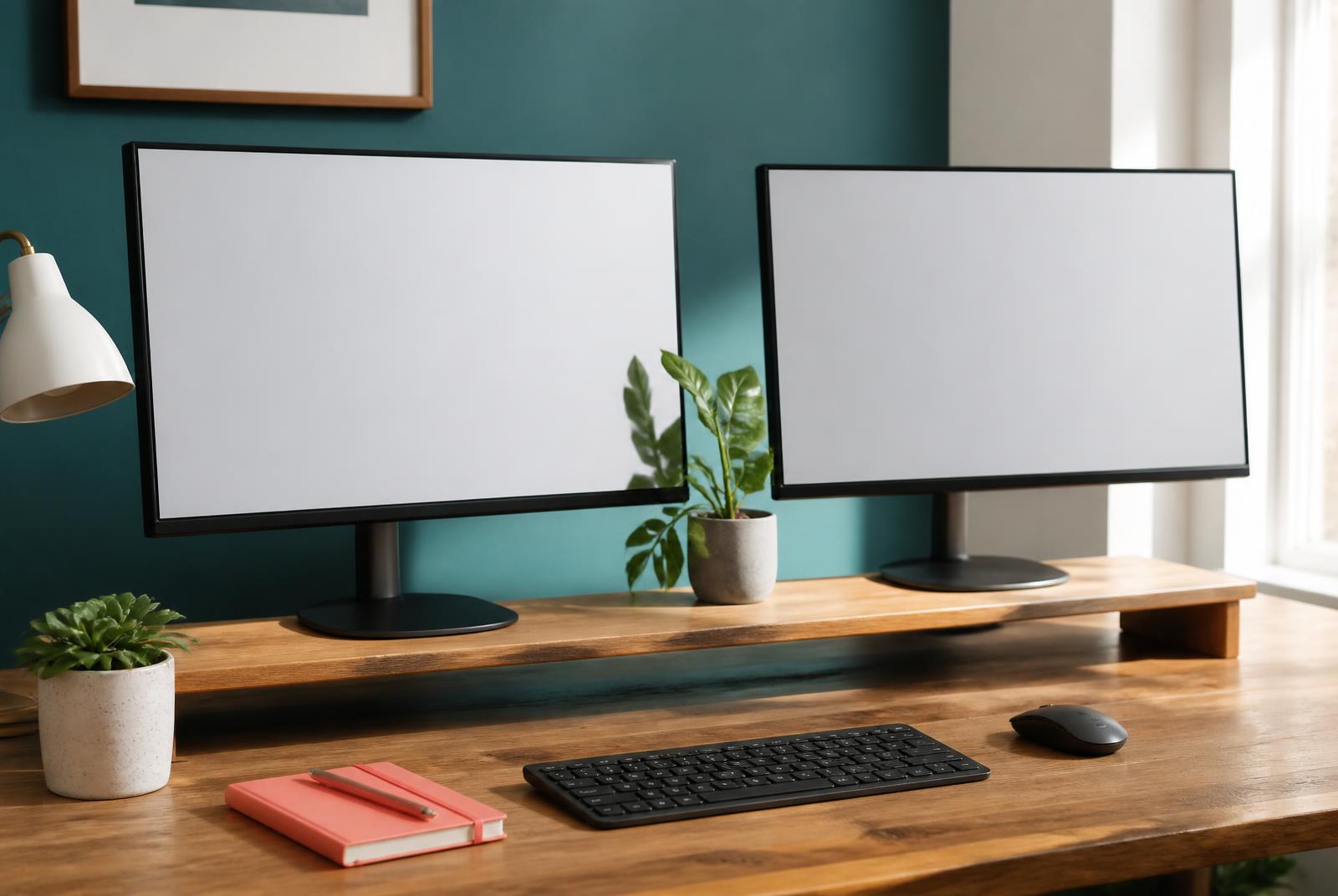
The screen is a separate calculation and this is where the two-tier design earns its money. The top of the monitor should be at or just below eye level while the keyboard sits at elbow height, and those two heights are about a foot apart. A single-surface converter puts them on the same plane, which means one of the two is wrong unless you add a monitor riser on top.
03
Pick the lift mechanism honestly
Gas spring lifts move with one hand, stop anywhere, and are the reason a converter gets used four or five times a day rather than twice a week. If the change takes effort, you will stay sitting, and the whole purchase was wasted. This is the single feature worth paying extra for.
Spring-assisted squeeze-handle models are the middle ground and account for most of what sells. They need a firmer grip and settle at fixed positions, but they are cheaper and nothing about them goes wrong. If you have grip or wrist trouble, though, skip them — squeezing a stiff handle twice a day is not what an aching wrist needs.
Manual crank and pin-and-notch systems are the cheap end. They work and they are stable, but they take both hands and about fifteen seconds, and that friction is exactly what stops the habit forming. Buy one only as a deliberate experiment in whether you like standing at all.
04
Set it up so standing is comfortable
An anti-fatigue mat is not optional. Standing on a hard floor for two hours is harder on the feet, knees and lower back than sitting was, and almost everyone who quits standing quits because of their feet rather than their back. A soft mat costs little and turns a two-hour stint from an endurance test into something you stop noticing.
Do not try to stand all day. Start with about fifteen minutes an hour and build slowly over several weeks. The goal is to change position often, not to swap one static posture for another — sitting still for eight hours and standing still for eight hours are both bad, in different ways.
Wear shoes, or at least something with support. Standing barefoot on a hard floor is where the foot pain comes from. And when your calves start to ache, sit back down rather than pushing through — the point of a converter is that changing position costs you two seconds, so use it.
The six worth buying
Step 4 pick: best overall lift
Mount-It! 32-inch Standing Desk Converter
Most desks, and anyone who will only use this if it is effortless.
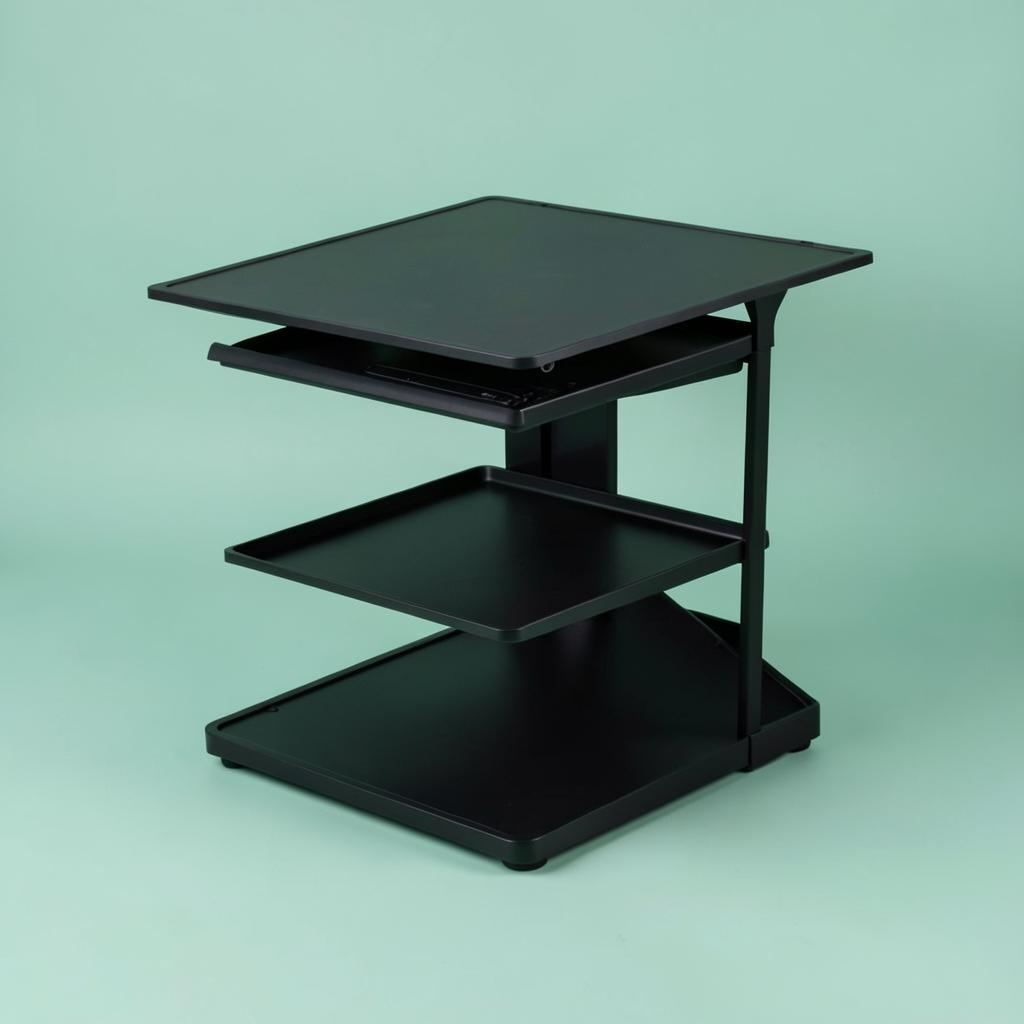
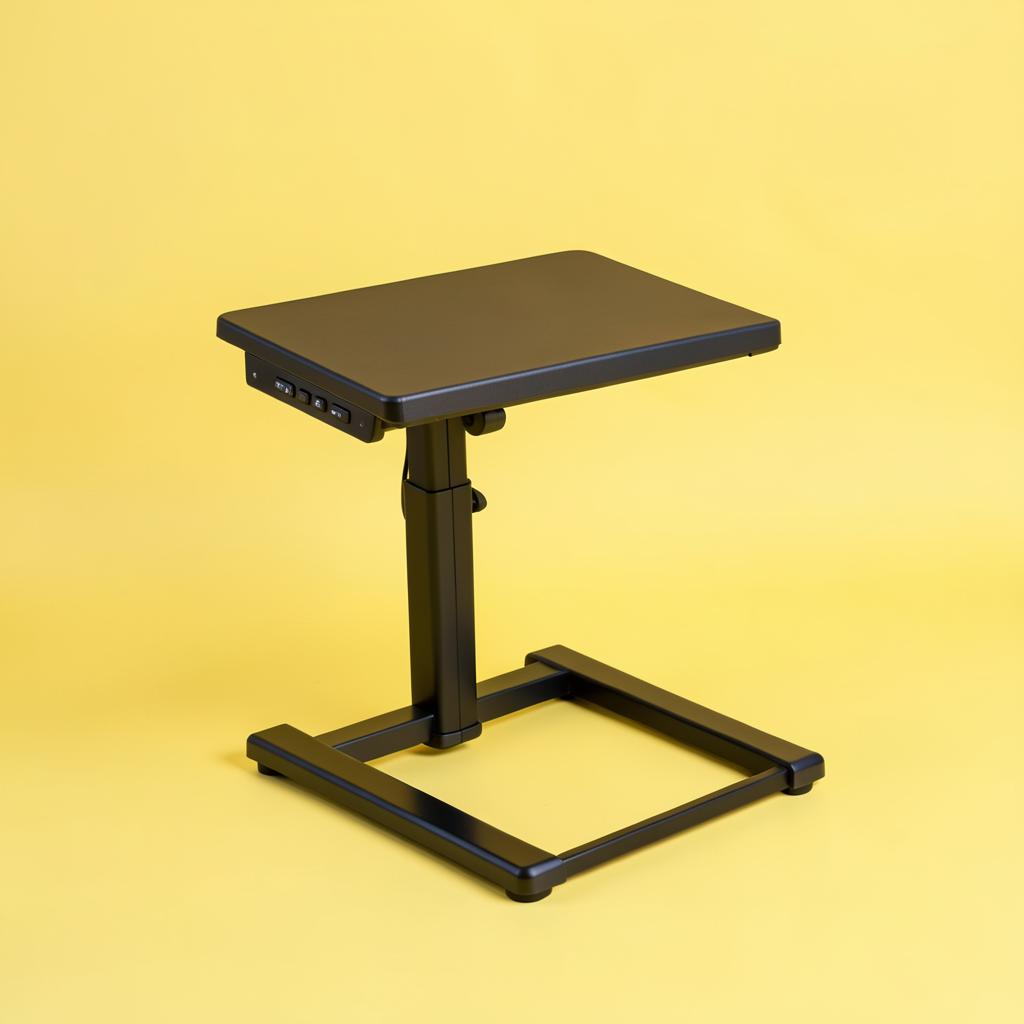
A gas-spring lift on a 32-inch top, which is the combination that gets used every day rather than abandoned in the down position after a fortnight. One hand on the side handle takes it from sitting to standing in about two seconds, and it stops anywhere in between rather than at fixed notches. The separate keyboard tray sits below the top surface, which is exactly right — it lets your elbows stay at ninety degrees while the screen goes higher.
Width
32 in
Lift
Gas spring
Tray
Separate keyboard tier
Assembly
Arrives assembled
What's good
One-handed gas-spring lift with no notches
Separate keyboard tray at the correct lower height
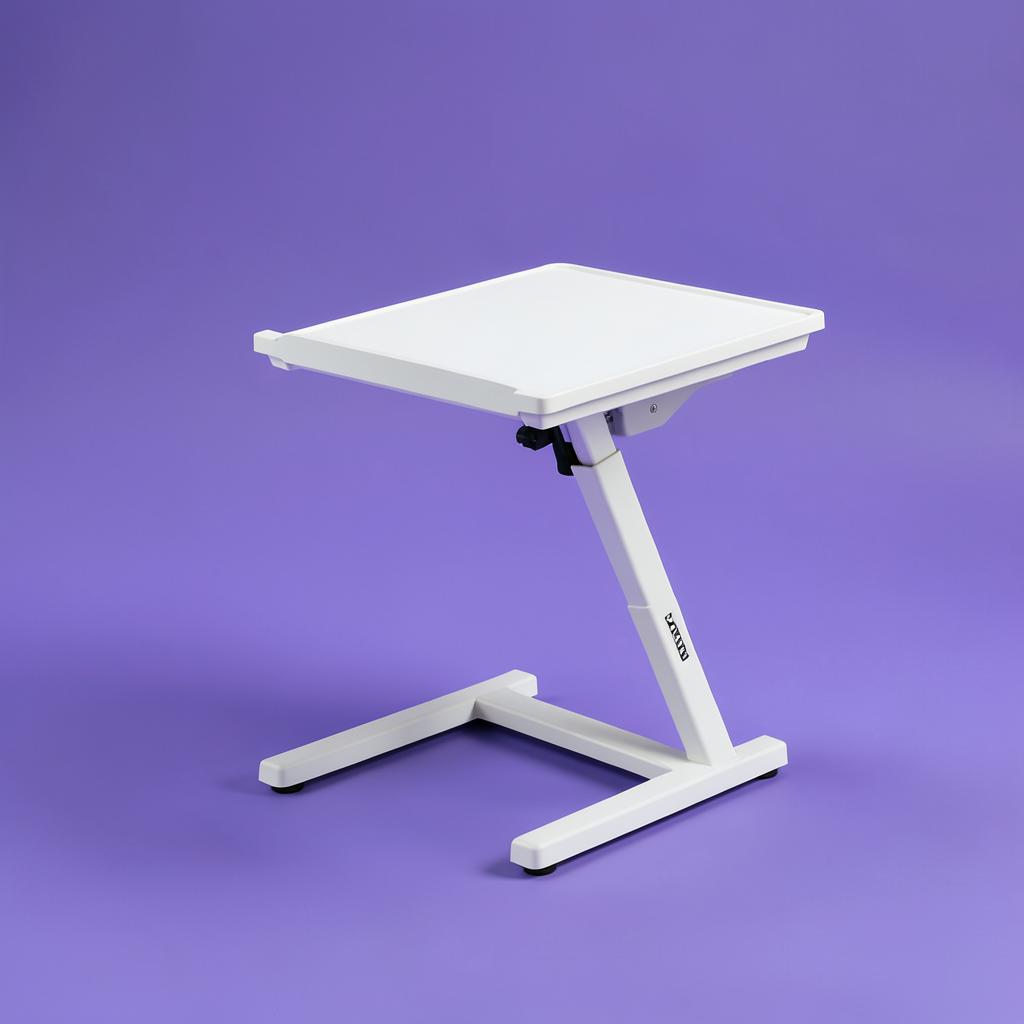
VIVO has been making these longer than almost anyone and the V000S is the model that keeps selling for a reason. Height adjusts through a squeeze handle to a set of fixed positions, which is marginally less elegant than a free-floating gas spring but perfectly usable, and the two-tier layout keeps the keyboard below the monitor where it belongs. It arrives assembled, so it is working within ten minutes of opening the box.
Desks under about 24 inches deep, or laptop-only setups.
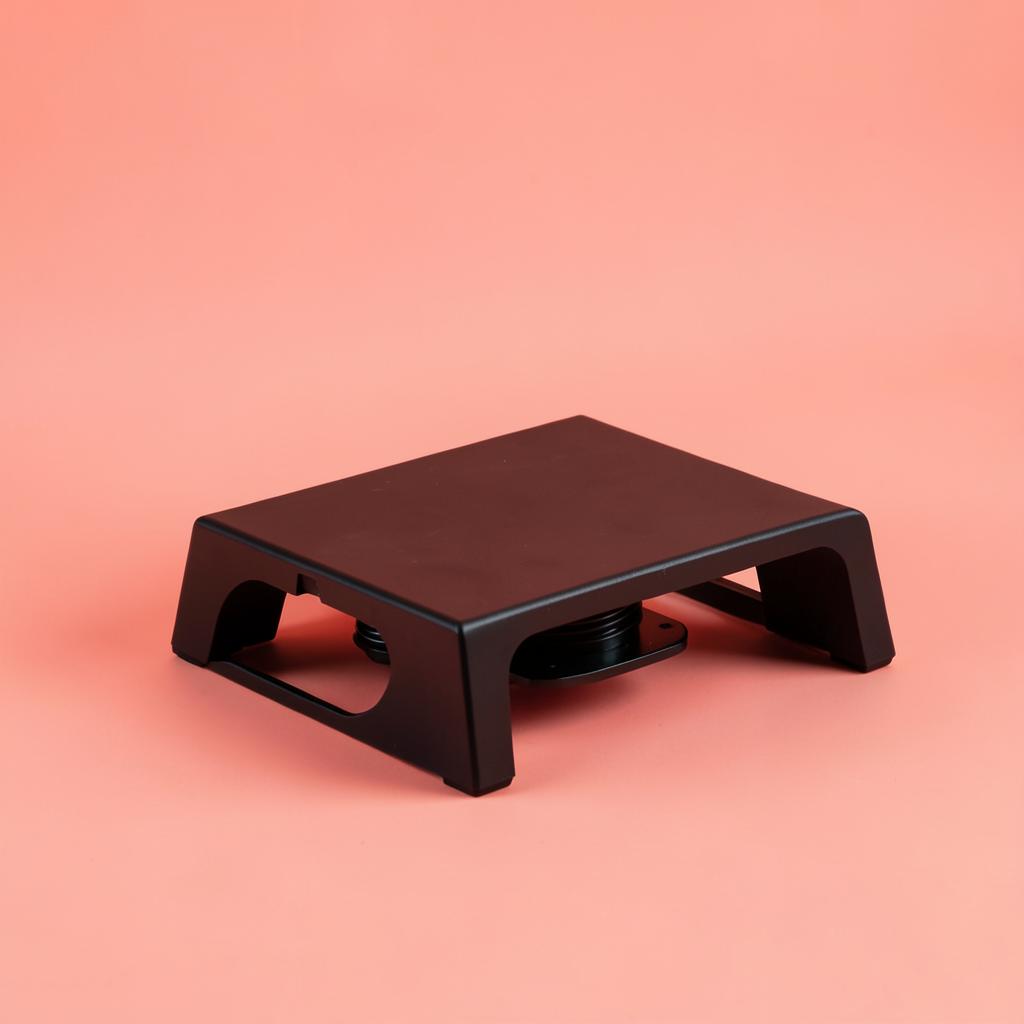
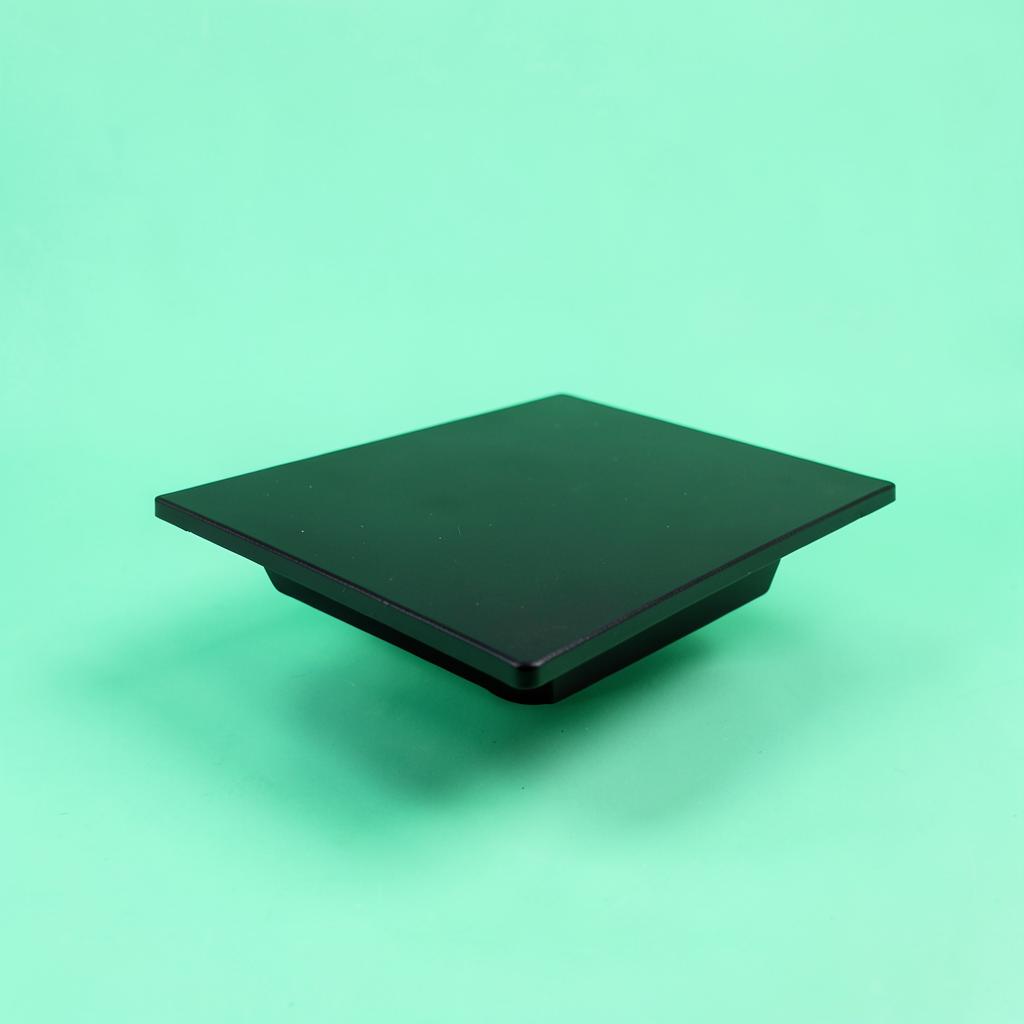
A single-surface, ultra-slim design that takes almost no height when lowered — around an inch and a half — which is the fix for the most common complaint about converters, that they turn your seated desk into a plinth. There is no separate keyboard tray, so your keyboard rises with the screen. That is a compromise for a two-screen setup, and completely fine for a laptop on a stand with an external keyboard in front of it.
Dual monitors, or anyone who mouses in a wide arc.
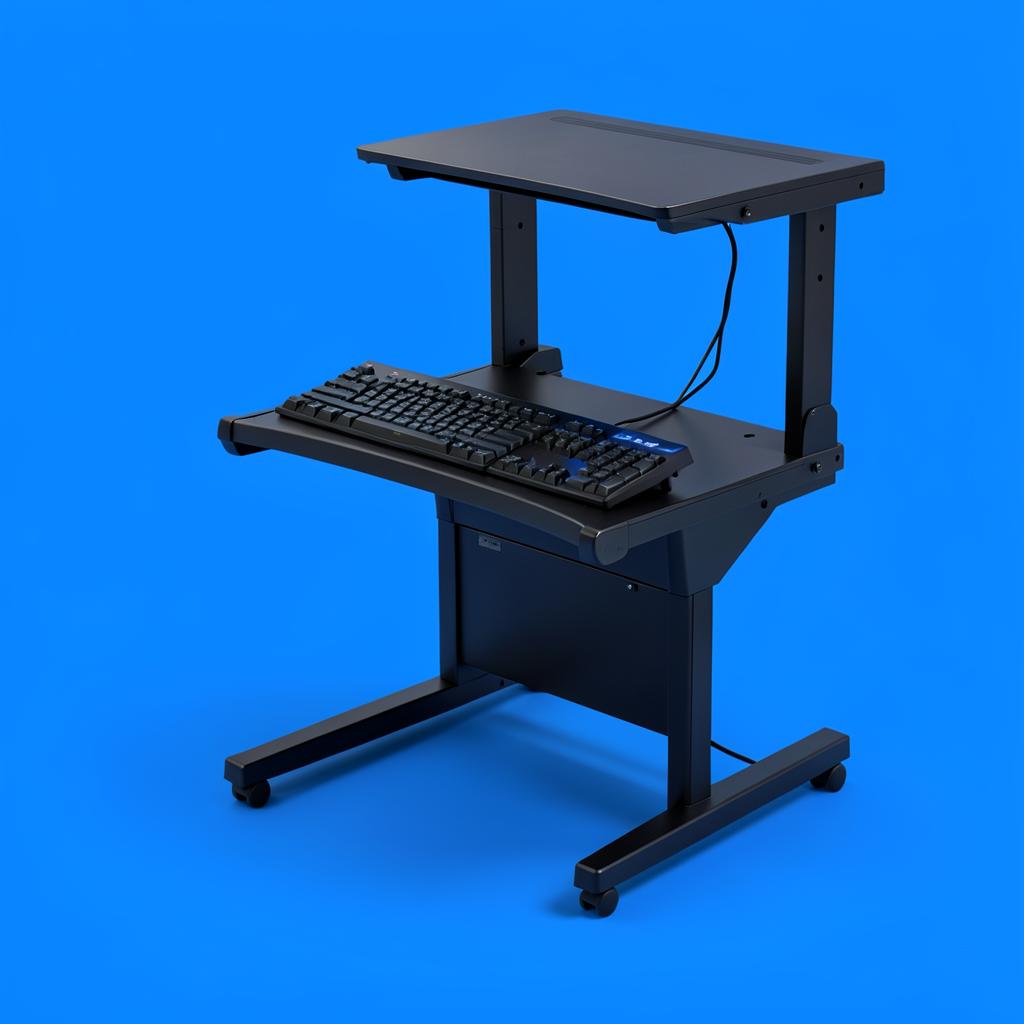
The extra four inches sound trivial and are not. Two monitors on a 32-inch top leave nowhere for a coffee cup and force the mouse to the very edge, where it falls off during a busy afternoon. This 36-inch version fixes both and holds the weight of a second screen without sagging in the middle. The trade is footprint: on a desk narrower than about 45 inches it will dominate the whole surface.
Taller people, and anyone who types hard while standing.
FLEXISPOT builds full standing desks, and the engineering shows in how little this one moves at full extension — the failure point for most converters, where a firm keystroke sends a visible ripple through the monitor. It goes higher than most, which matters if you are over six feet and have been standing slightly hunched at every converter you have tried. The wide top handles a monitor, a laptop and a notebook at once.
The cheapest sensible way to find out whether you actually want to stand at work, which is a real question — plenty of people try it, discover they hate it, and are glad they only spent a little. The lift is manual and stiffer than the gas-spring models, the surface is plain, and it will not win any awards. It gets you to standing height with a stable platform, and if you are still using it in three months you will know the upgrade is worth it.
Wobble tested by typing hard at full height, not by pushing gently
One-handed lifts only — anything needing two hands failed
Measured against a shallow bedroom desk, not a full office desk
Keyboard tray height checked against elbow height, not desk height
Weight kept low enough for a lightweight table to take it
Every pick is affordable next to a full standing desk
Questions we get
How much desk depth do I need?
At least 24 inches for a two-tier converter, comfortably. Between 20 and 24 inches, take the ultra-slim single-surface model. Under 20 inches, a converter will overhang and a wall-mounted monitor arm plus a separate keyboard is the better route.
Will it wobble when I type?
Every converter moves a little at full height. The gas-spring and FLEXISPOT models move least. If your desk itself is wobbly, the converter will amplify it — tighten the desk legs before blaming the riser.
Do I need a separate keyboard tray?
If you use an external monitor, yes. The screen and the keyboard need to be about a foot apart in height, and a single surface cannot do both. For a laptop with an external keyboard in front of it, a single surface is fine.
How long should I stand each day?
Start with fifteen minutes an hour. Most people who last do somewhere between two and four hours across the day, broken up. Standing all day is not the goal and is not better for you.
Converter or a full standing desk?
A full desk is better if you own the room, have the budget and are not moving soon. A converter is better in a rental, in a shared room, on a desk you cannot replace, or when you are not yet sure you will stick with it.
Before you buy
Buy the anti-fatigue mat at the same time as the converter, not after your feet start hurting. It is the accessory that decides whether the main purchase gets used, and it costs a fraction of what the converter does.
Then give it three weeks before judging. The first few days of standing feel great, the second week feels tiring, and by the third your legs have adjusted and you find yourself standing up without deciding to. If you are still forcing it after a month, you have learned something useful for the price of the cheapest option here.
As an Amazon Associate we earn from qualifying purchases. Product availability and prices on Amazon change frequently and anything shown here may be out of date by the time you click. How we pick our recommendations.