Jobs to Inbox

Best Quiet Keyboards for People on Calls All Day

Four keyboards that let you take notes during a live call without the person on the other end hearing every keystroke.

4 products comparedReviewed September 6, 2026Independent · no sponsored placements

Jobs to Inbox is a participant in the Amazon Services LLC Associates Program. When you buy through links on this page we may earn a commission, at no extra cost to you. We choose every product ourselves and we are never paid to include one. How we pick.

Best Quiet Keyboards for People on Calls All Day
The short answer

The Logitech MX Keys S is the best keyboard here on every measure that matters for call work — quiet, backlit, and it switches between a work laptop and a personal machine with one key. If the budget is tight, the K380 is quieter than most and costs a fraction as much.

Best overall

Logitech MX Keys S

Check price

Typing on a call is a microphone problem before it is a comfort problem. A headset mic sits inches from your hands, and a loud keyboard turns note-taking into a clatter that the patient, the member or the interviewer hears more clearly than they hear you. People notice, and some of them say so.

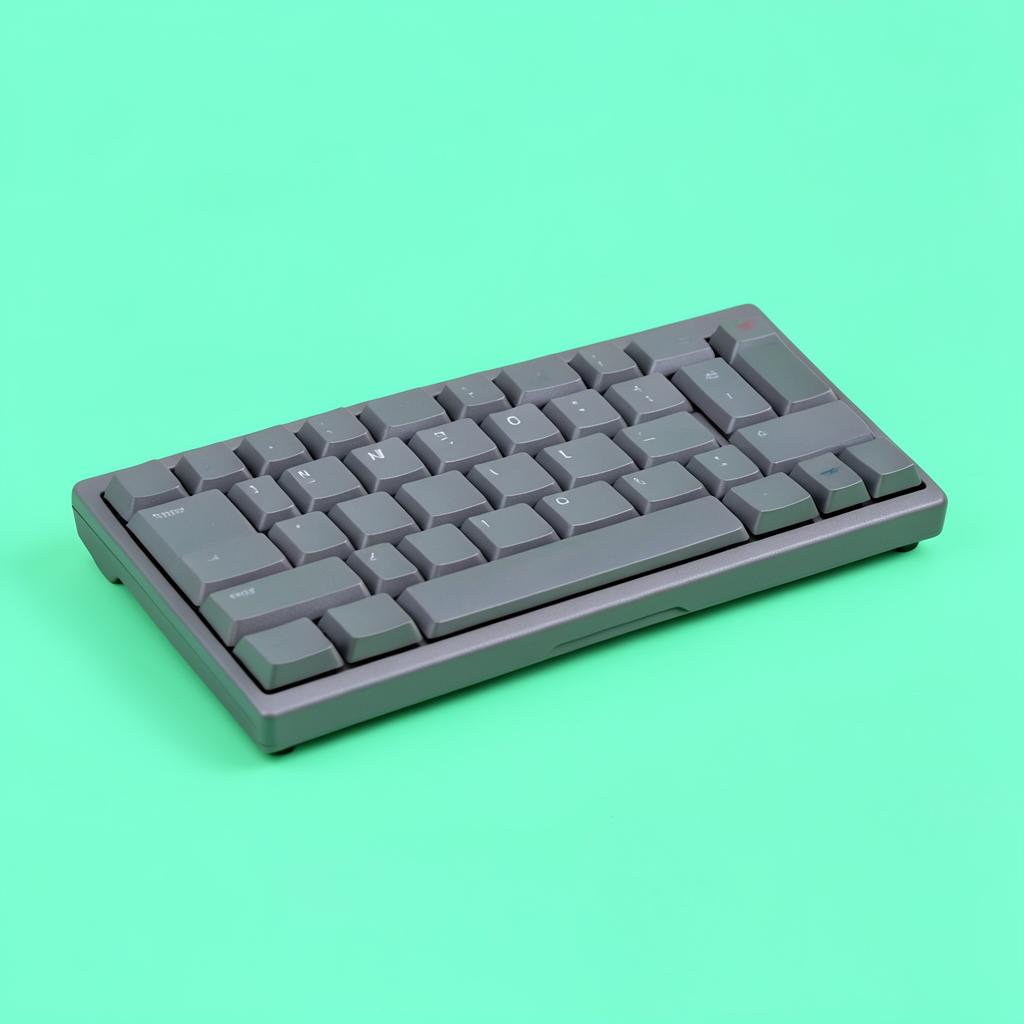
The fix is a low-profile keyboard with scissor switches — the flat kind you find on a laptop — rather than the tall mechanical keyboards sold to gamers. Travel is short, the sound is a soft thud rather than a click, and the typing position is lower, which also helps the wrist.

We judged these by the only test that counts: recording a call while typing normally, then listening back. Everything here is quiet enough that the typing sits under the voice rather than over it.

Side by side

PickSwitchesBacklightConnectionBattery
Best overallLogitech MX Keys SLow-profile scissorYes, proximity-activatedBluetooth or receiverRechargeable, ~10 days litCheck price
Best budgetLogitech K380 Multi-Device Bluetooth KeyboardScissorNoBluetoothAA, up to 24 monthsCheck price
Best for data entryLogitech Signature Slim Combo MK955Low-profile scissorNoBluetooth or receiverAAA, long lifeCheck price
Best small-desk keyboardApple Magic KeyboardScissorNoBluetoothRechargeable, ~1 monthCheck price

Prices change daily, so we don't print them. Each button opens the current listing on Amazon.

How we picked

  • Recorded through a headset mic while typing at normal speed, then listened back
  • Scissor or low-profile switches only — no tall mechanical boards
  • Multi-device switching, because most remote workers run two machines
  • Backlighting for evening and night shifts
  • Full-size arrow keys and a usable number layout for data entry
01

Best overall

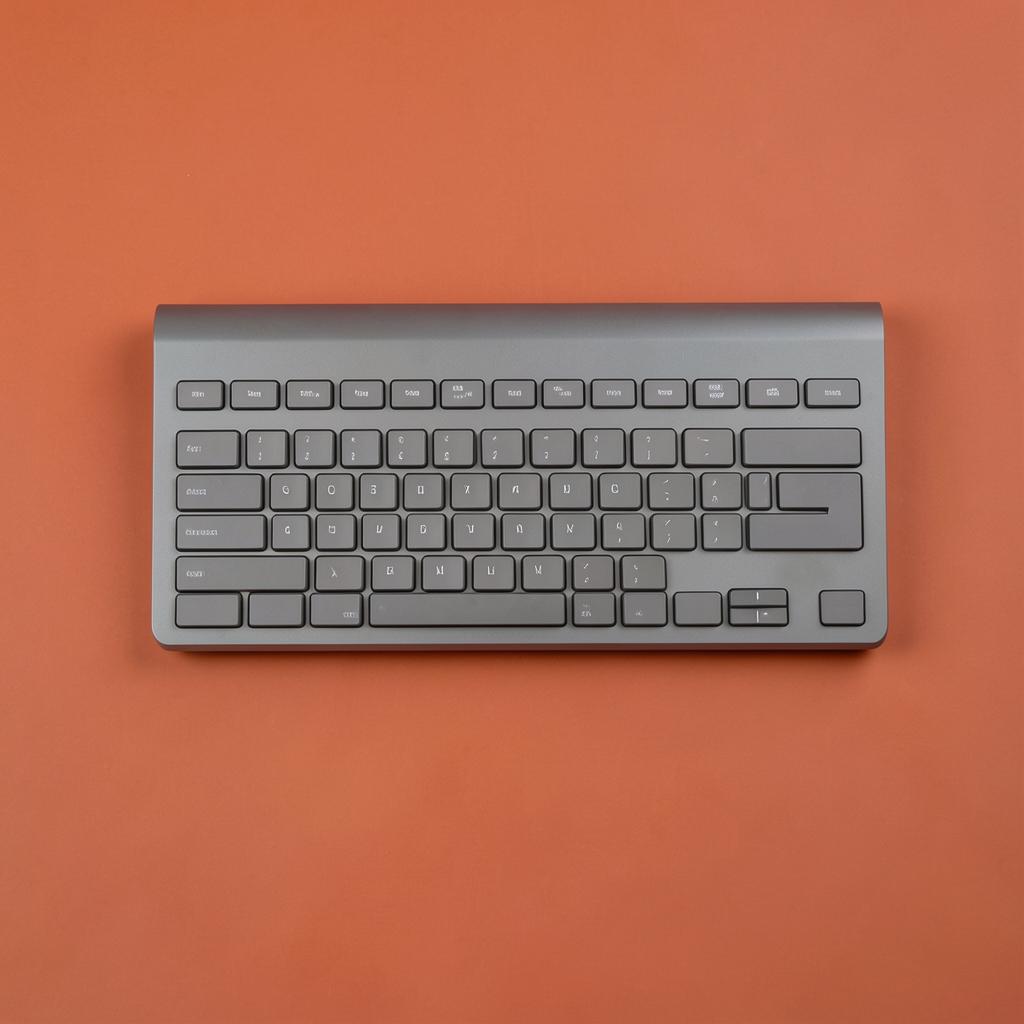
Logitech MX Keys S

Anyone who types through calls all day and wants one keyboard to stop thinking about.

Logitech MX Keys S — Best Quiet Keyboards for People on Calls All Day
Illustration — category example

Dished keycaps, short travel, and a sound closer to a laptop than a desktop keyboard. The backlight turns itself on as your hands approach and off again to save battery, which sounds like a gimmick until you work a 6am shift in a dark room. Switches between three machines instantly, so the work laptop and the personal one share one keyboard.

Switches: Low-profile scissorBacklight: Yes, proximity-activatedConnection: Bluetooth or receiverBattery: Rechargeable, ~10 days lit

What's good

  • Very quiet
  • Smart backlight
  • Three-device switching
  • USB-C charging

What's not

  • No dedicated number pad on the compact version
  • Not cheap
Check price on Amazon
02

Best budget

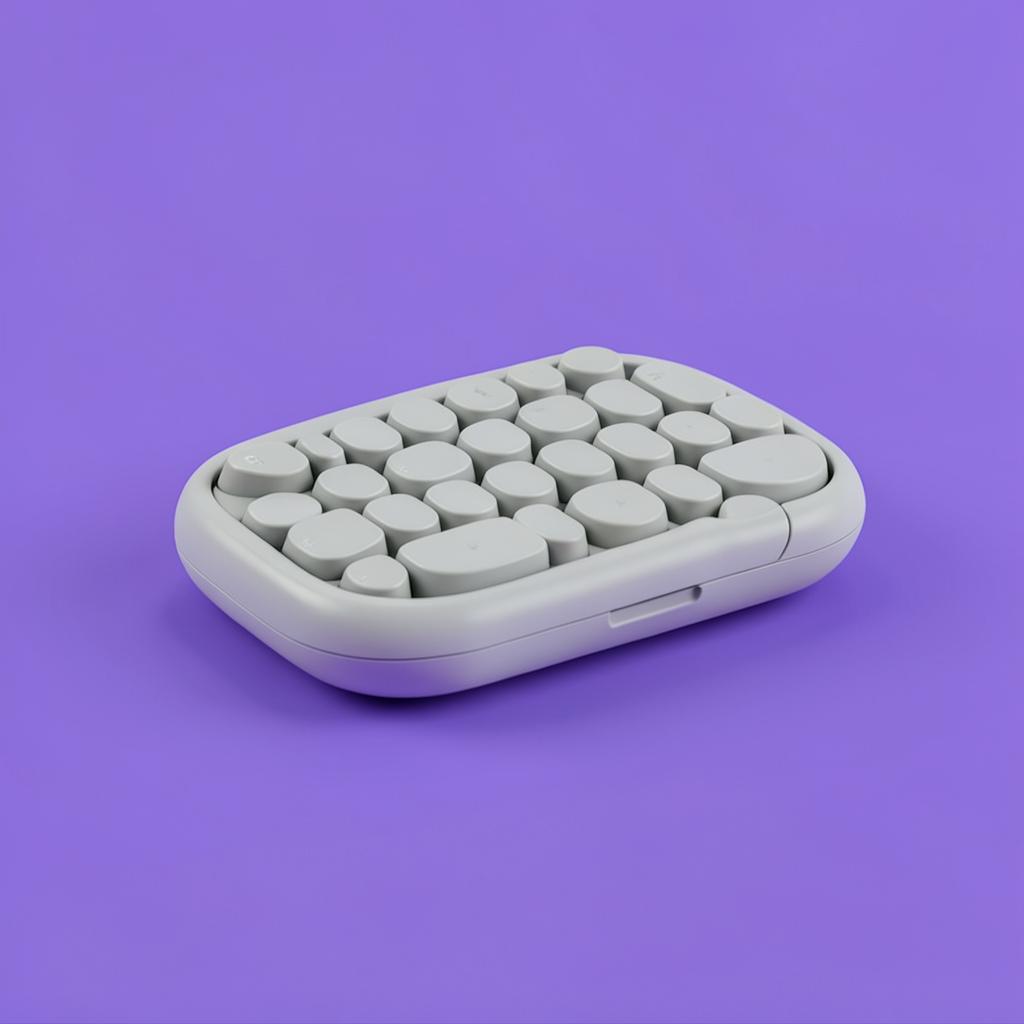
Logitech K380 Multi-Device Bluetooth Keyboard

A quiet second keyboard, or a first one on a tight budget.

Logitech K380 Multi-Device Bluetooth Keyboard — Best Quiet Keyboards for People on Calls All Day
Illustration — category example

Round keys, very short travel, and quiet enough that it disappears under a normal speaking voice. There is no backlight and the AA batteries are a mild annoyance, but it switches between three devices like the expensive Logitechs and it is small enough to leave on a shelf between shifts.

Switches: ScissorBacklight: NoConnection: BluetoothBattery: AA, up to 24 months

What's good

  • Genuinely quiet
  • Three-device switching
  • Two-year battery

What's not

  • No backlight
  • Cramped for heavy data entry
Check price on Amazon
03

Best for data entry

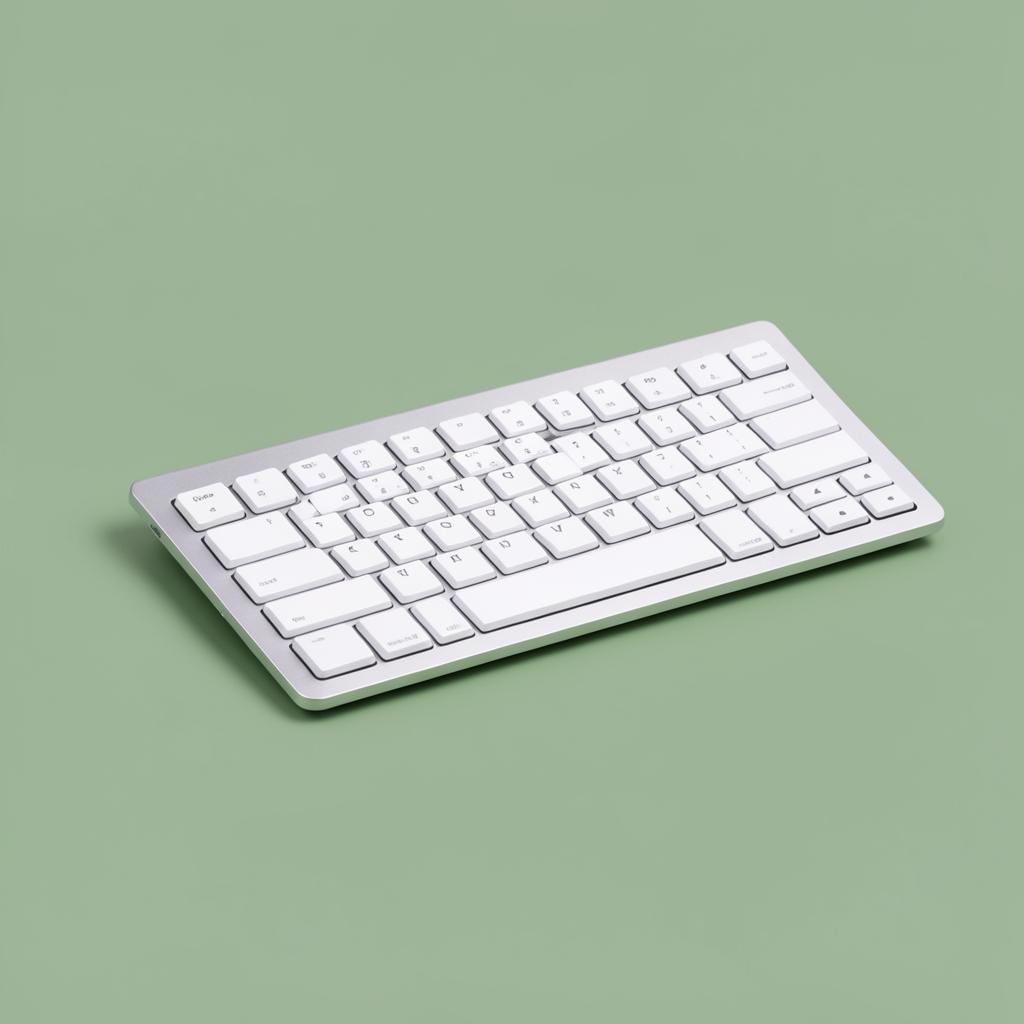
Logitech Signature Slim Combo MK955

Coding, claims, billing — anyone living in a number pad.

Logitech Signature Slim Combo MK955 — Best Quiet Keyboards for People on Calls All Day
Illustration — category example

A full-size layout with a real number pad and a quiet mouse in the box, which is the whole point at this price. Typing sound is a soft thud rather than the sharper click of the cheaper full-size boards. If your day is entering numbers into a system while someone talks to you, this is the practical buy.

Switches: Low-profile scissorBacklight: NoConnection: Bluetooth or receiverBattery: AAA, long life

What's good

  • Full number pad
  • Quiet mouse included
  • Full-size arrow cluster

What's not

  • No backlight
  • Takes more desk width
Check price on Amazon
04

Best small-desk keyboard

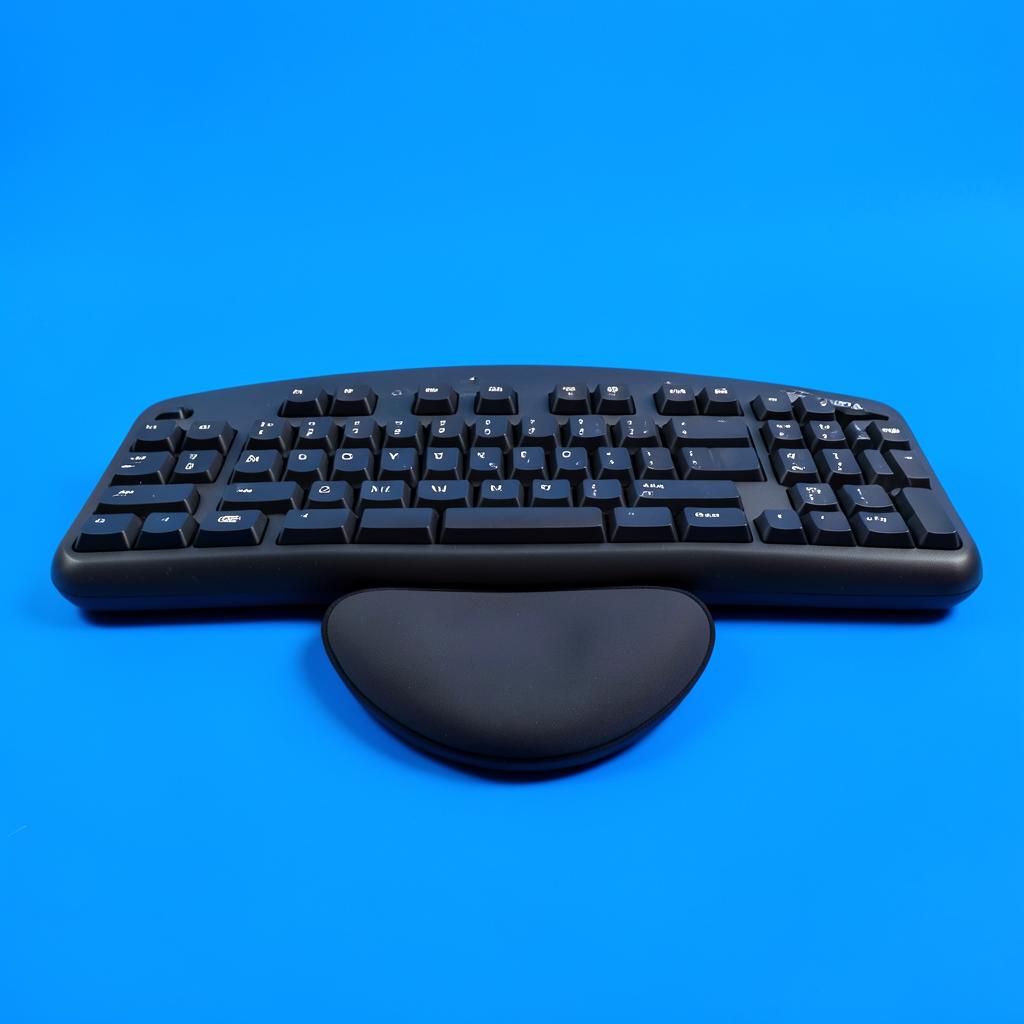
Apple Magic Keyboard

Mac users on a small desk, or anyone who wants the flattest board here.

Apple Magic Keyboard — Best Quiet Keyboards for People on Calls All Day
Illustration — category example

The quietest keyboard in this guide and the flattest, which suits a shallow desk or a converter tray. It only makes sense on a Mac — it works on Windows but the key layout fights you all day. Charges over the cable and holds a month between charges.

Switches: ScissorBacklight: NoConnection: BluetoothBattery: Rechargeable, ~1 month

What's good

  • Quietest here
  • Very slim
  • Long battery life

What's not

  • Awkward layout on Windows
  • No backlight on the standard model
Check price on Amazon

Before you buy

If a new keyboard is not in the budget this month, two free changes help more than people expect. Push the microphone boom away from your hands and slightly to the side of your mouth, and turn on the noise-suppression setting your calling software already has — most of them filter keyboard clatter specifically.

Whatever you buy, keep the wrist flat. A keyboard tilted up on its back feet looks right and bends the wrist backwards for eight hours. Leave the feet down, and if the desk is too high, fix the chair and footrest before blaming the keyboard.

Keep reading

As an Amazon Associate we earn from qualifying purchases. Product availability and prices on Amazon change frequently and anything shown here may be out of date by the time you click. How we pick our recommendations.