Jobs to Inbox

Jobs to Inbox is a participant in the Amazon Services LLC Associates Program. When you buy through links on this page we may earn a commission, at no extra cost to you. We choose every product ourselves and we are never paid to include one. How we pick.

Problem solver

Wrist Aching By Hour Nine? Fix It With The Right Mouse

Why a flat mouse quietly wrecks a forearm, how to tell whether a vertical one will help you, and six affordable ones that do the job.

By Terrence Blake · Reviewed September 10, 2026

Does this sound like you?

  • A dull ache in the forearm by the end of a shift
  • Pins and needles in the thumb, index or middle finger
  • Wrist pain that fades overnight and returns by mid-morning
  • You shake out your hand without thinking about it
  • Your mousing shoulder sits higher than the other one
  • Gripping a coffee cup in the evening feels weaker than it used to

The mouse is the cheapest thing on a desk and the one most likely to end a career quietly. Forearm and wrist trouble from a flat mouse builds over months, so it never announces itself — one week your hand feels tired, six months later it hurts to hold a kettle. If you click, scroll and drag through charts, claims or tickets for eight hours a day, this is the first upgrade worth making, and it is also one of the cheapest.

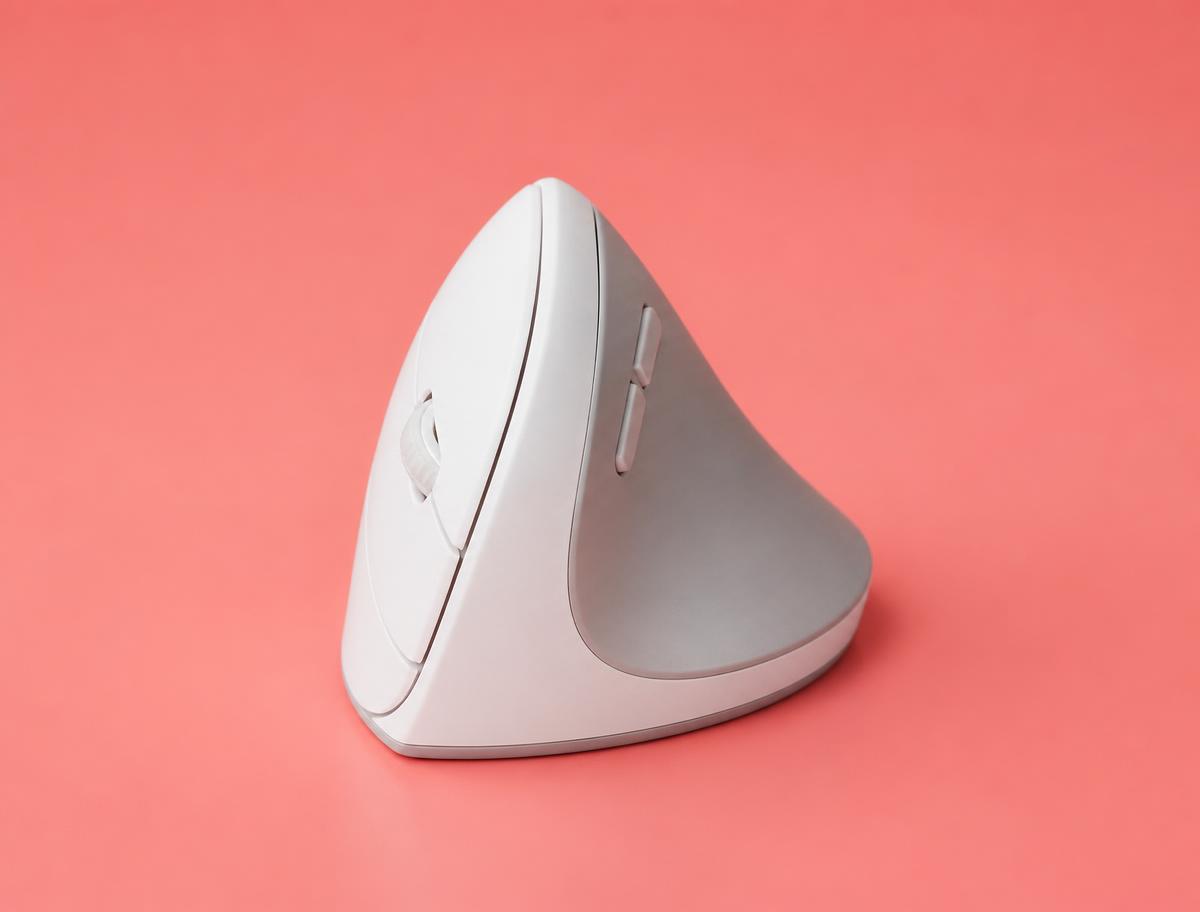
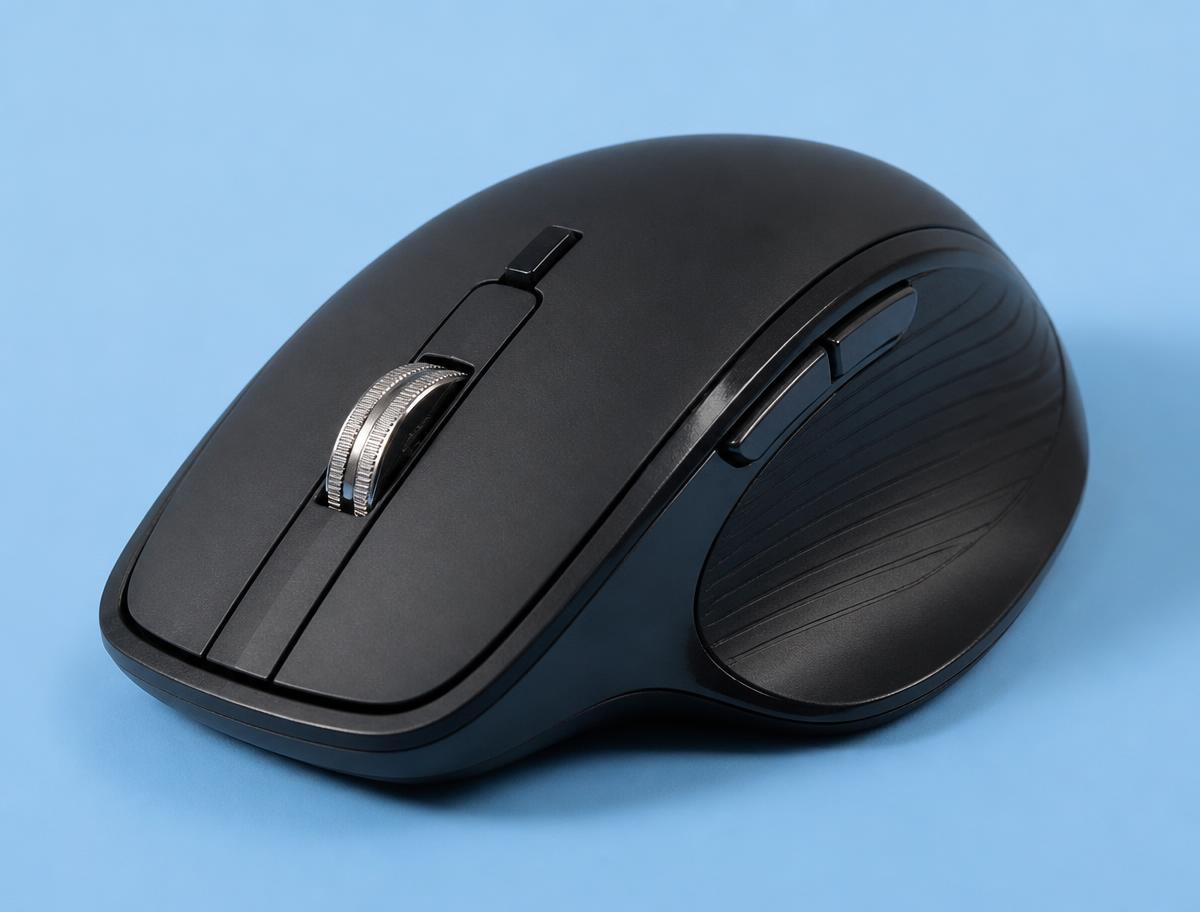
Here is the mechanism, because it makes the rest of this page make sense. Rest your hand palm-down on the desk and you have rotated your forearm through roughly ninety degrees, holding two bones crossed over each other. Every click, every drag, every micro-adjustment happens with that rotation held. A vertical mouse simply removes the rotation: you hold it the way you would shake somebody's hand, and the two bones sit parallel.

That is the whole idea. It is not magic, it cures nothing, and it takes about a week before your accuracy comes back. What it reliably does is take the twist out of the forearm, and for most people who ache by hour nine, the twist is the problem. We have also included two conventional shapes, because a vertical mouse is genuinely wrong for some hands — anyone doing fine cursor work all day, and anyone whose shoulder already complains, since a taller grip raises the whole arm.

Nothing on this list is expensive. The most affordable pick costs less than a takeaway and tells you within two weeks whether the vertical shape suits you, which is exactly how we would recommend approaching it if you have never used one.

The Logitech Lift is the right buy for most people: a proper vertical angle, quiet clicks, and a body small enough for average and smaller hands. Larger hands want the MX Vertical. If you are not sure a vertical shape suits you at all, the Anker costs almost nothing and answers the question in two weeks.

01

What is actually hurting

Three different complaints get called wrist pain, and they want different fixes. Pain on the top of the forearm that builds through the day usually comes from the rotation described above, plus a mouse that sits too far from the body so the arm is held out rather than resting. That is the one a vertical mouse addresses most directly.

Pins and needles in the thumb, index and middle finger is a different story — it points at pressure at the wrist itself, often from resting the heel of the hand hard on a desk edge while the wrist is bent back. Raising the chair, lowering the desk or adding a soft edge does more for that than any mouse shape, and if the tingling wakes you at night, that is worth a conversation with a doctor rather than a shopping decision.

Pain in the shoulder or the outside of the elbow is usually reach. If the mouse lives to the right of a full-size keyboard, your arm spends the day held away from your body at a small angle, and small angles held for eight hours are what hurt. A keyboard without a number pad moves the mouse three inches closer, and people are consistently surprised by how much that alone helps.

02

How to tell if a vertical mouse will suit you

Try this before you buy anything. Rest your forearm on the desk and let your hand fall naturally on its side, thumb up. If that position feels like a relief compared to palm-down, a vertical mouse is likely to suit you. If it makes your shoulder shrug or your elbow lift away from your side, the taller grip may swap one problem for another.

Hand size decides which one, and it decides it more strictly than any other specification. A vertical mouse that is too big forces you to grip rather than rest, which defeats the purpose entirely. Measure from the base of your palm to the tip of your middle finger: under about 6.7 inches, take the Lift. Over about 7.5 inches, take the MX Vertical or the wide Kensington. In between, either works and the Lift is the safer bet.

Expect the first three days to be annoying. Accuracy drops, you overshoot buttons, and the temptation to give up is strongest on day two. Most people who return a vertical mouse return it inside seventy-two hours, which is before the adaptation happens. Turn the pointer speed up slightly while you adjust and give it two full weeks before you judge it.

03

The free fixes worth doing first

Lower the desk or raise the chair until your elbow sits at or just above the desk surface. If the elbow is below the desk, the wrist is extended all day no matter what you hold, and no mouse on earth corrects that. If raising the chair leaves your feet dangling, a footrest — or a box — completes the fix.

Move the mouse closer. Use it directly in front of your shoulder rather than out to the side, and if a number pad is in the way, get a keyboard without one. Mouse from the elbow rather than the wrist, so the whole forearm slides on the desk instead of the hand pivoting on a fixed point.

Then turn the pointer speed up. Low sensitivity means large physical movements repeated thousands of times a day. Higher sensitivity means smaller movements, less travel and less strain. It feels twitchy for a day and normal after that, and it costs nothing at all.

04

What about trackballs and pens?

A trackball removes arm movement almost completely, which is either the ideal solution or a new problem depending on your thumb. People with shoulder trouble often get more relief from a trackball than from a vertical mouse, because the hand never travels. People with thumb trouble should stay well away from thumb-operated models, and consider a finger-operated ball instead.

Pen mice and roller bars exist and both have genuine followings, but they change how you work rather than just what you hold. If the pain is bad enough that you are considering either, the cheaper and more reliable first move is to alternate: keep a vertical mouse on one side and a trackball on the other and swap hands every few days. Varying the load beats optimising a single position, and switching hands is free.

Whatever you use, take the small breaks. Thirty seconds of shaking the hand out and stretching the fingers back every half hour does more measurable good than most equipment. It is also the part everyone skips, which is why the equipment sells so well.

What to buy

Best overall

Logitech Lift Vertical Ergonomic Mouse

Most people, and especially anyone with small to medium hands.

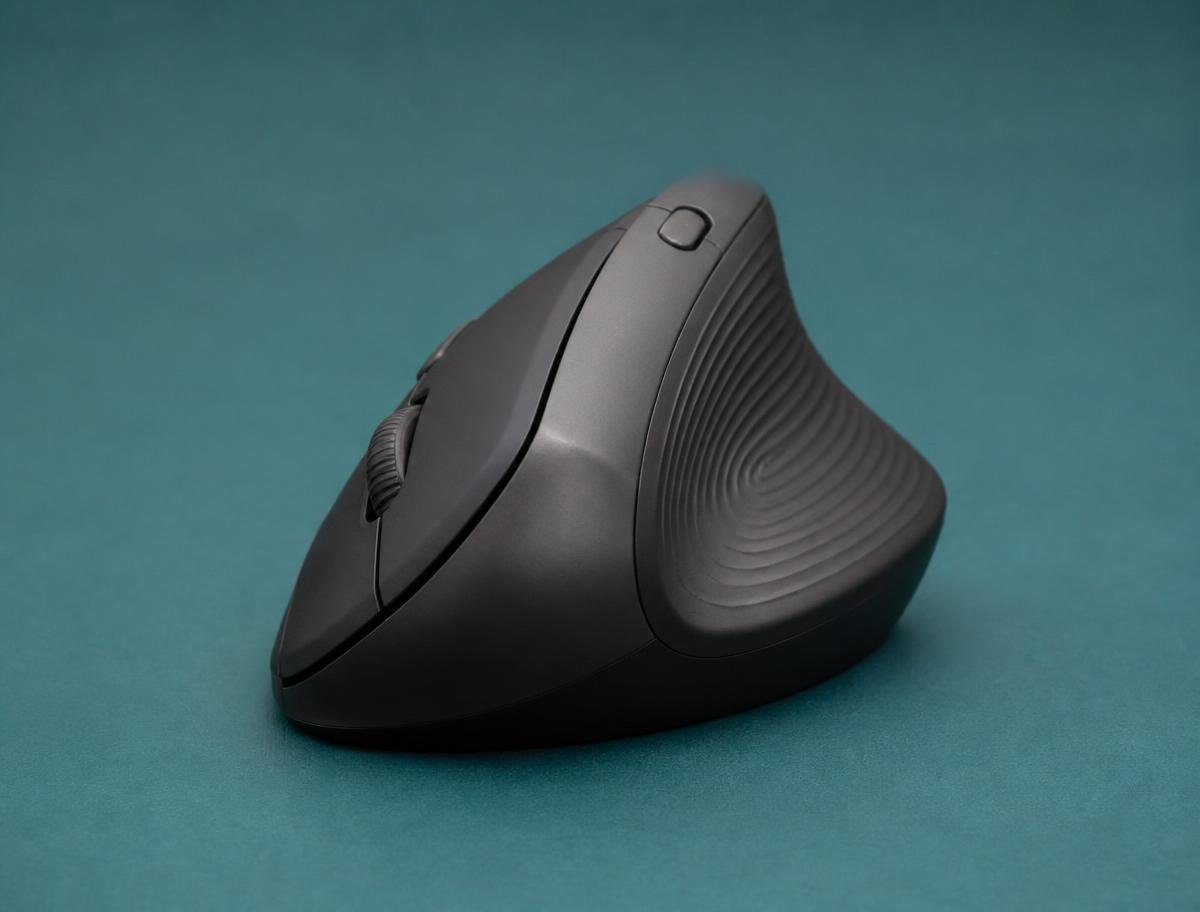
A 57-degree vertical angle in a body small enough that it does not swamp an average hand, which is the flaw in most vertical mice. The clicks are quiet enough to go unnoticed on a live call, which matters more than it sounds when your headset sits four inches from the mouse. It pairs to three machines and switches between them with a button underneath — useful when a work laptop and a personal one share the same desk.

Angle
57°
Connection
Bluetooth or receiver
Battery
AA, up to 24 months
Hand size
Small to medium
Logitech Lift Vertical Ergonomic Mouse

What's good

  • Fits small and medium hands
  • Quiet clicks
  • Switches between three machines

What's not

  • Too small for large hands
  • Scroll wheel is not free-spinning

Best for large hands

Logitech MX Vertical

Larger hands, and anyone who wants the most supported vertical grip.

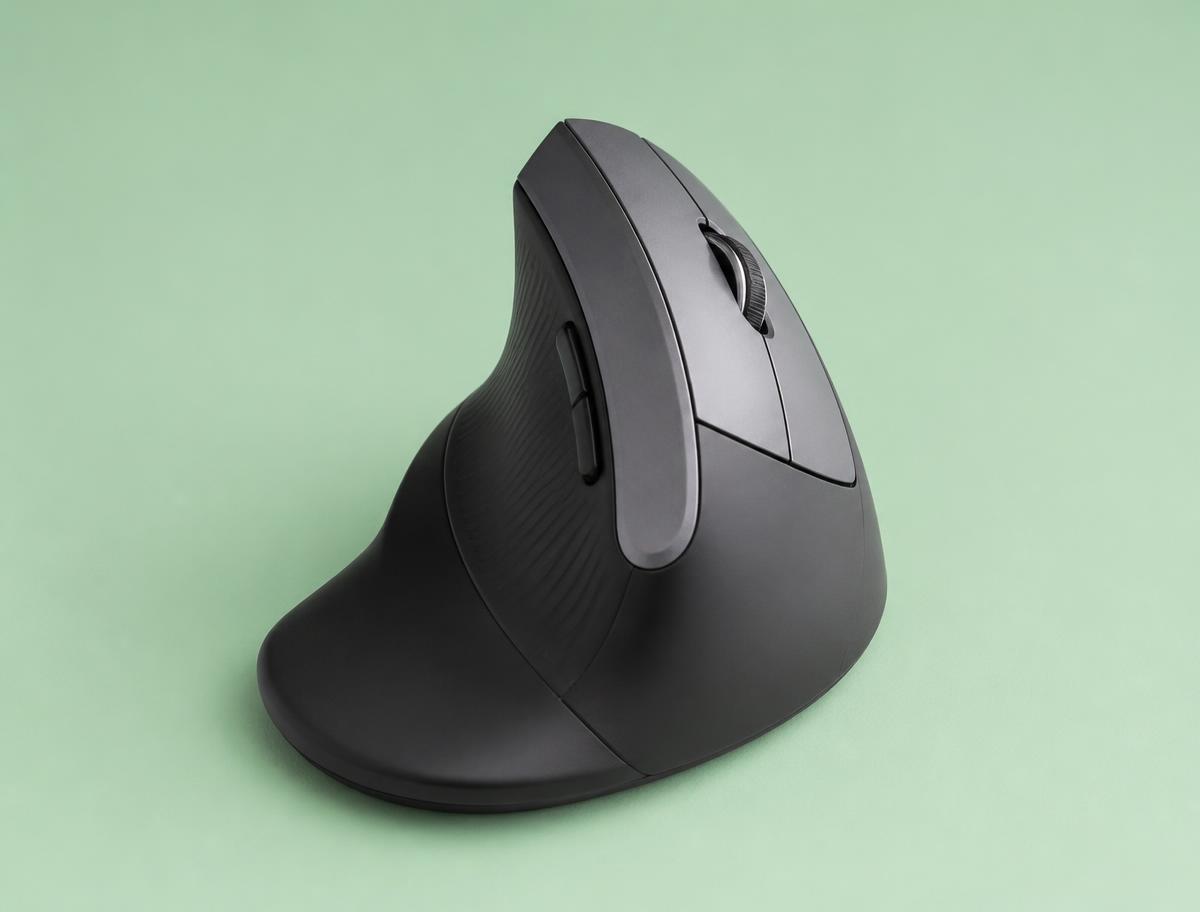
The bigger sibling of the Lift and still the most complete vertical mouse sold. The thumb rest carries real weight, so the hand rests on the mouse rather than gripping it, and that difference is what people feel at the end of a long shift. It charges over USB-C and keeps working while plugged in, so a flat battery never costs you a working hour. Heavier than it looks, which is a downside on a soft desk mat.

Angle
57°
Connection
Bluetooth, receiver or cable
Battery
Rechargeable, ~4 months
Hand size
Medium to large
Logitech MX Vertical

What's good

  • Substantial thumb support
  • USB-C rechargeable and works while charging
  • Precision button for fine cursor work

What's not

  • Too large for small hands
  • Heavier than the Lift
Cheapest way to find out

Anker 2.4G Wireless Vertical Ergonomic Mouse

Trying a vertical shape without committing real money to it.

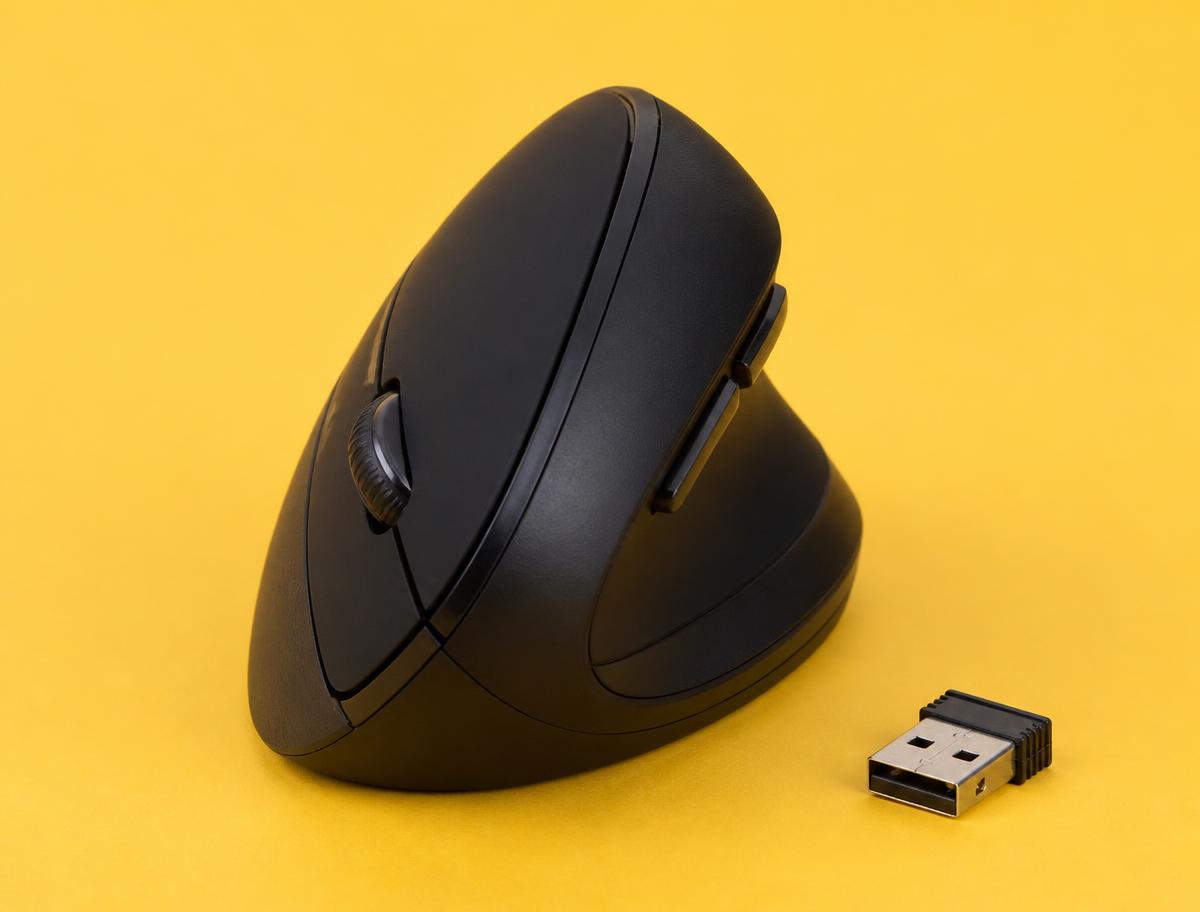
The honest way to find out whether a vertical mouse suits you before spending properly. The build is plastic and the scroll wheel is ordinary, but the angle is right, and the angle is the part that decides whether your forearm feels better in two weeks. It runs on batteries with a plug-in receiver, so it works on locked-down machines that block Bluetooth pairing, and it needs no software at all.

Angle
About 55°
Connection
2.4G USB receiver
Battery
AA
Hand size
Medium
Anker 2.4G Wireless Vertical Ergonomic Mouse

What's good

  • Costs very little
  • Correct vertical angle
  • Plug-in receiver, no pairing

What's not

  • Plain build quality
  • Batteries rather than rechargeable
  • No Bluetooth
Best wide grip

Kensington Pro Fit Ergo Vertical Wireless Mouse

Broad hands that feel pinched by a narrow vertical body.

The widest body here, with a full thumb shelf that carries the weight of the hand instead of letting the thumb hang and drag on the desk. That shelf is the whole reason to choose it — people with broad hands often bounce off slimmer vertical mice for exactly that reason and conclude the shape does not work for them. It runs on a USB receiver and a single battery, and the clicks are ordinary rather than quiet, which is the trade for the price.

Angle
Vertical, 60°
Connection
USB receiver
Battery
AA
Hand size
Large
Kensington Pro Fit Ergo Vertical Wireless Mouse

What's good

  • Wide body suits large hands
  • Real thumb shelf
  • Inexpensive for a true vertical

What's not

  • Receiver only, no Bluetooth
  • Clicks are audible on a headset
Best flat mouse

Logitech MX Master 3S

Anyone a vertical shape does not suit, or who needs precision over comfort.

If your hand does not get on with a vertical grip, this is the most supported conventional shape there is, with a sculpted rest for the whole palm and a thumb channel that stops the hand sliding. The 3S revision made the clicks close to silent, which is the reason it is here rather than the older model. The free-spinning wheel saves real time in long documents and spreadsheets — it will scroll a thousand rows in one flick.

Angle
Conventional
Connection
Bluetooth or receiver
Battery
Rechargeable, ~70 days
Hand size
Medium to large
Logitech MX Master 3S

What's good

  • Near-silent clicks
  • Very fast scroll wheel
  • Tracks on any surface, glass included

What's not

  • Still a palm-down position
  • Large
  • The priciest pick here
Best for a laptop bag

Logitech M350s Pebble 2

A second mouse for the bag, or a very small desk.

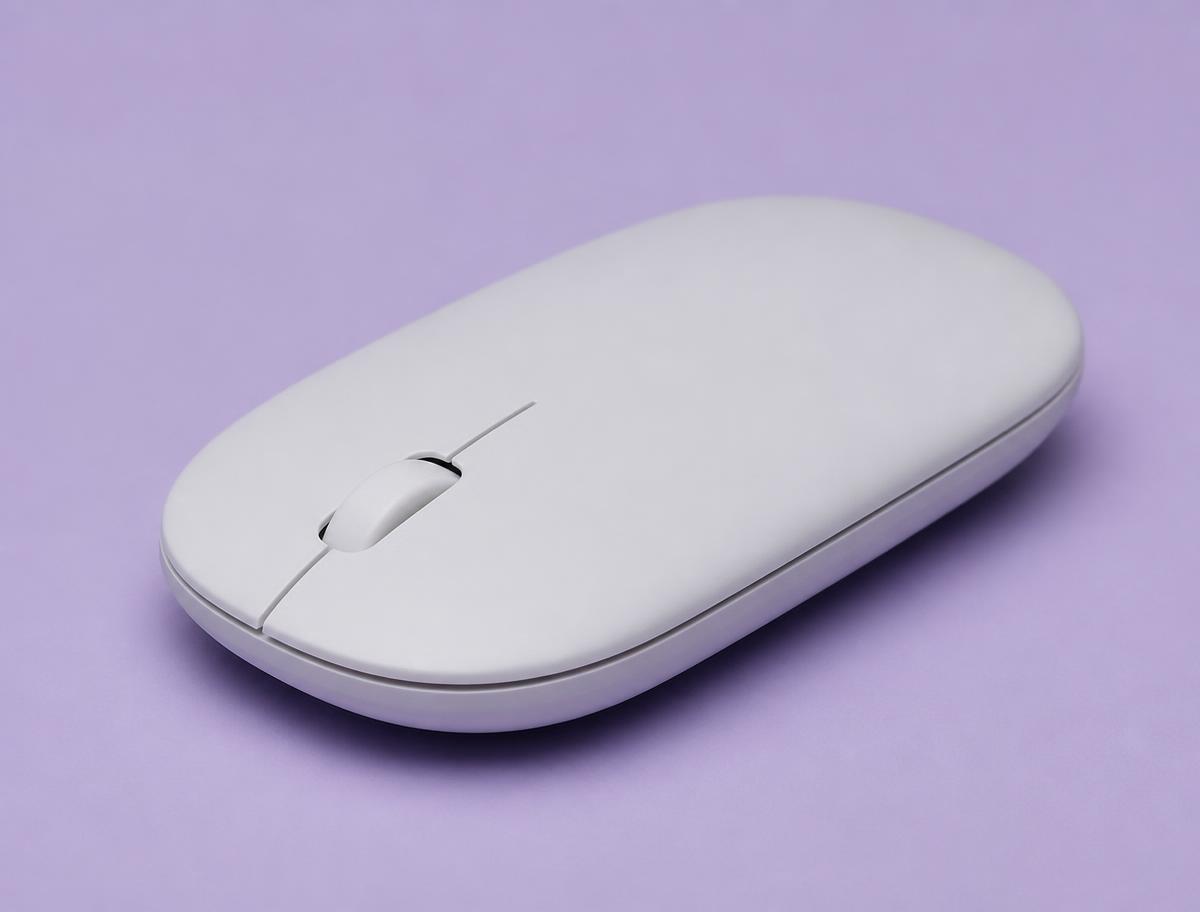
Not an ergonomic mouse and we are not pretending otherwise. It is here because a flat, silent, pocketable mouse still beats a trackpad by a wide margin, and heavy trackpad use is its own wrist problem — the thumb does work it was never built for. Buy it as the travel mouse and keep something with support on the desk you use for a ten-hour shift.

Angle
Flat
Connection
Bluetooth or receiver
Battery
AA, up to 24 months
Hand size
Any
Logitech M350s Pebble 2

What's good

  • Silent
  • Slim enough for a bag
  • Long battery life
  • Very cheap

What's not

  • Low profile gives no wrist support
  • Not for all-day use

How we picked

  • Wrist angle measured against a flat mouse, not against marketing claims
  • Quiet switches, because a headset picks up clicking all day
  • Works over Bluetooth or a USB receiver, for locked-down work laptops
  • Rechargeable or long battery life — no weekly battery changes
  • Sized honestly: we say which hand sizes each one actually fits
  • Every pick is affordable enough to try without a long conversation at home

Questions we get

How long before a vertical mouse feels normal?

Three days to stop feeling clumsy, about two weeks to be as accurate as you were before. If your forearm is going to feel better, you will usually notice it in that same two-week window.

Are cheap vertical mice as good as the expensive ones?

For the angle, near enough — and the angle is the part doing the work. What you pay extra for is quiet clicks, a better sensor, rechargeable batteries and a shape that fits your hand more precisely. Start cheap if you have never tried one.

Can I use a vertical mouse left-handed?

Yes, but you need a left-handed model rather than the same one flipped over. Both Logitech and Kensington make left-handed versions of their vertical mice; check carefully, because listings often show only the right-handed picture.

Will a wrist rest help?

Sometimes, and it can also hurt. A wrist rest that lets you plant the heel of your hand and pivot from a fixed point concentrates pressure exactly where you do not want it. If you use one, use it to support the forearm between movements, not as a pivot to work from.

Should I see someone about this?

If the tingling wakes you at night, if grip strength is dropping, or if pain persists at the weekend when you are not working, yes. A mouse is a good preventative and a poor treatment, and the conditions behind persistent symptoms are far easier to deal with early.

Before you buy

Give any new mouse two full weeks before judging it, and change one thing at a time. If you swap the mouse, raise the chair and add a footrest all on the same Monday, you will have no idea which change helped and no way to keep the useful part if you later have to give something up.

One last thing no mouse fixes: a desk that is too high. If your elbow sits below the desk surface, your wrist is extended no matter what you hold. Lower the desk or raise the chair, add a footrest if your feet dangle, and only then start shopping. That costs nothing and does more than every purchase on this page put together.

Keep reading

As an Amazon Associate we earn from qualifying purchases. Product availability and prices on Amazon change frequently and anything shown here may be out of date by the time you click. How we pick our recommendations.